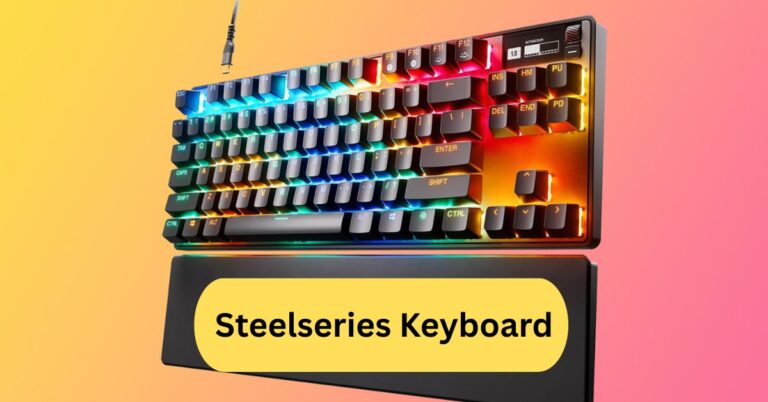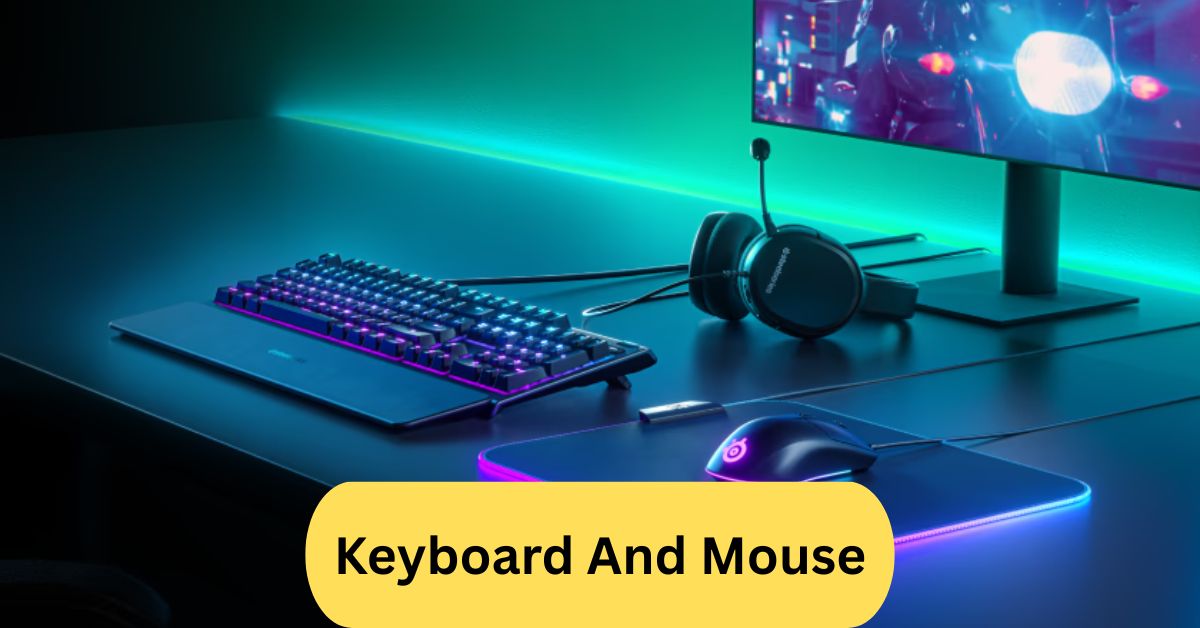
A keyboard and mouse are essential computer input devices. The keyboard is used for typing and command entry, while the mouse controls the on-screen cursor for navigation, selection, and interaction with software.
A keyboard and mouse are essential computer input devices. The keyboard is used for typing and command entry, while the mouse controls the on-screen cursor for navigation, selection, and interaction with software.
In this article we discuss about “Keyboard And Mouse”
Table of Contents
Introduction:
Whether you’re typing an essay, editing photos, or playing your favorite games, the keyboard and mouse are your most trusted tools. These two input devices are the foundation of how we interact with computers. From the early wired setups to today’s sleek wireless combos, they’ve evolved tremendously to enhance comfort, speed, and precision.
What Is a Keyboard and Mouse?
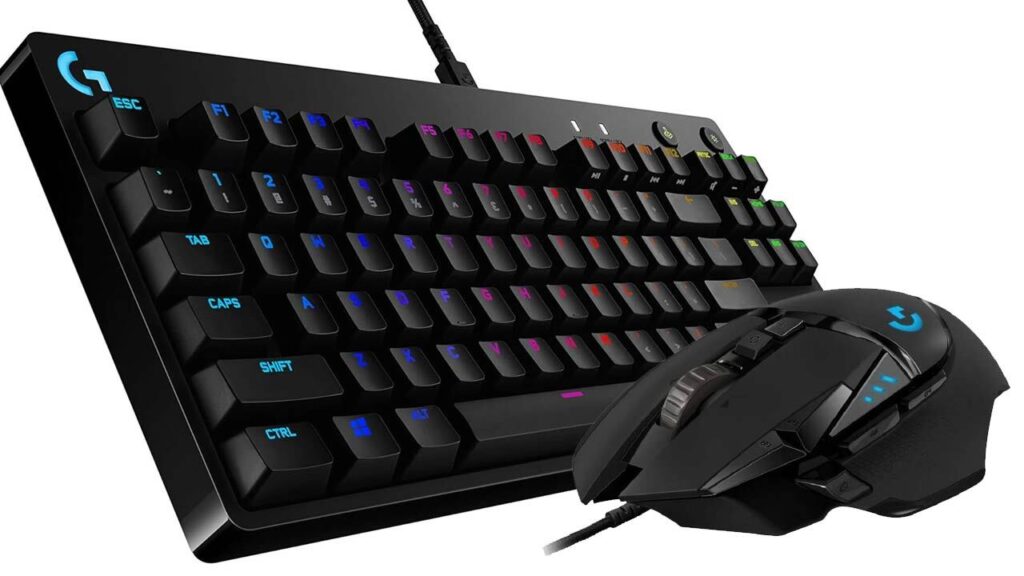
A keyboard is an input device used to type letters, numbers, and commands, while a mouse helps you navigate and interact with elements on the screen. Together, they form the backbone of any computer setup — allowing users to work, play, and create seamlessly.
Types of Keyboards:
1. Mechanical Keyboards:
Mechanical keyboards use individual switches for each key, giving a tactile feel and satisfying click sound. They’re popular among gamers and typists who appreciate speed and accuracy.
2. Membrane Keyboards:
These are quieter and more affordable. Instead of switches, they use pressure pads, which makes them compact and lightweight — perfect for office use.
3. Ergonomic Keyboards:
Designed for comfort, ergonomic keyboards help reduce wrist strain by providing a natural typing angle. They’re ideal for people who spend hours typing daily.
4. Gaming Keyboards:
Gaming keyboards come with customizable RGB lighting, macro keys, and faster key response times — tailored to enhance gaming performance.
5. Virtual and Foldable Keyboards:
Portable and futuristic, these keyboards are great for travelers. Virtual keyboards project keys on surfaces, while foldable ones are compact and easy to carry.
Types of Mice:
1. Optical Mouse:
Uses an LED light to track movement. It’s reliable and works well on most surfaces.
2. Laser Mouse:
Offers higher precision than optical mice, making it ideal for design work and gaming.
3. Trackball Mouse:
Instead of moving the entire mouse, you rotate a ball on top — reducing wrist movement and improving control.
4. Wireless Mouse:
Connects via Bluetooth or a USB receiver. It’s clutter-free and convenient, perfect for laptops and mobile setups.
5. Gaming Mouse:
High DPI sensors, programmable buttons, and RGB lighting make gaming mice essential for precision and speed in games.
Keyboard and Mouse Combo:
A keyboard and mouse combo includes both devices in a single package — often designed to match in style and performance. These combos are cost-effective and ensure seamless connectivity between devices.
1. Benefits of Buying a Combo:
- Single USB receiver for both devices
- Cheaper than buying separately
- Matching design and color
- Simplified setup process
Wired Keyboard and Mouse:
1. Features and Advantages:
Wired devices connect directly via USB, offering zero lag and reliable performance. They don’t need batteries and are perfect for desktops.
2. Best Use Cases:
Great for gaming, offices, and environments where consistent connection matters.
3. Disadvantages:
The main drawback is cable clutter and limited movement range.
Wireless Keyboard and Mouse:
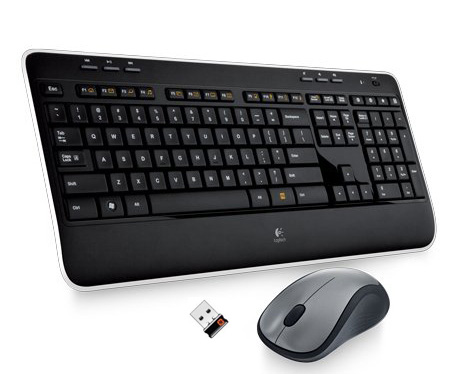
1. How They Work:
They connect using Bluetooth or a USB dongle and run on batteries or rechargeable cells.
Benefits:
- Tidy and portable
- Great for minimal setups
- Freedom to move around
Drawbacks:
- May experience slight input lag
- Battery replacement needed occasionally
2. Battery Life and Connectivity Tips:
Use rechargeable batteries and keep devices close to the receiver for stable performance.
Gaming Keyboard and Mouse:
Gaming peripherals are built for performance. High DPI settings, anti-ghosting keys, and RGB effects make gaming more immersive. Many gaming mice come with customizable weights for precision control, while keyboards feature mechanical switches for rapid response.
Ergonomic Designs:
Long typing sessions can cause fatigue, but ergonomic designs fix that. Split keyboards and vertical mice promote natural hand positions, reducing strain on wrists and forearms. Think of them as a “spa treatment” for your hands.
Keyboard and Mouse Connectivity:
Most devices connect via USB or wirelessly through 2.4GHz or Bluetooth. Plug-and-play technology means no drivers are required — simply connect and start working. Some advanced models can pair with multiple devices, letting you switch between a laptop, tablet, and PC effortlessly.
Choosing the Right Keyboard and Mouse:
When shopping for a keyboard and mouse, consider:
- Usage: Office, gaming, or travel
- Comfort: Ergonomic or compact designs
- Connectivity: Wired or wireless
- Budget: Price-to-performance ratio
Top Brands: Logitech, Razer, Corsair, Microsoft, and Dell are reliable names in 2025.
Keyboard and Mouse Maintenance:
Keep your setup clean for optimal performance. Use a soft brush or compressed air to remove dust. Avoid eating near your keyboard — crumbs are its worst enemy. If keys or buttons stop working, check cable connections or replace batteries.
Smart and Advanced Features:
Modern keyboards and mice come with smart features like:
- Programmable keys for shortcuts
- Gesture control on touch-sensitive mice
- Multi-device pairing for quick switching
- AI-assisted typing and productivity integrations
These tools can boost your workflow and reduce repetitive strain.
Future of Keyboard and Mouse Technology:
The future is exciting — expect AI integration, haptic feedback, and even voice-controlled input. In virtual and augmented reality, gesture-based input may replace traditional devices altogether, making interaction more immersive than ever.
Keyboard and Mouse Combo Wireless:
A wireless keyboard and mouse combo offers the convenience of using both input devices without cables, helping reduce desktop clutter and improving mobility. With a single USB-dongle or Bluetooth connection, setup is often quick and streamlined, making it ideal for home or office use. Just keep in mind you’ll need to manage battery life and may encounter slight latency in very high-precision use cases.
Keyboard and Mouse Gaming:
A gaming keyboard and mouse combo is specifically built for fast, precise input — you’ll find features like mechanical switches, anti-ghosting and N-key rollover on the keyboard, and high-DPI sensors plus adjustable polling rates on the mouse. These features give you an edge in competitive games where milliseconds matter and accurate movements count.
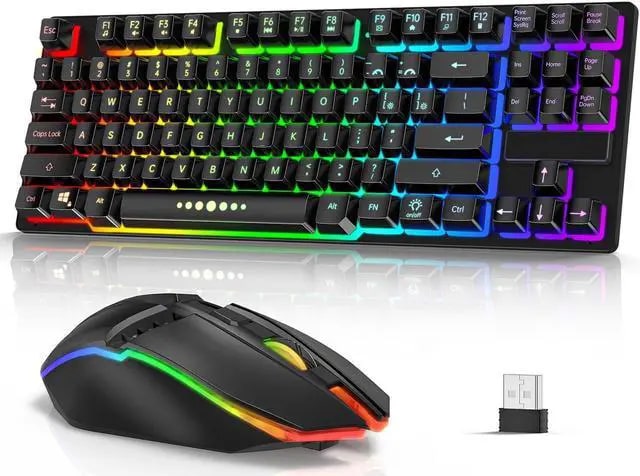
At the same time, nice extras like customizable RGB lighting, programmable buttons and ergonomic design help with long sessions and give your setup a pro-look. The trade-off is that they’re often more expensive, can be louder (especially mechanical keyboards) and many of the features might be overkill if you’re just gaming casually.
Keyboard and Mouse Wired:
A wired keyboard and mouse combo offers a direct, physical connection to your computer, which generally means faster response times and zero risk of signal interference. Since there are no batteries to worry about, you avoid downtime from recharging or replacing power, making wired sets especially reliable for long work or gaming sessions. The main trade-off is mobility and desk aesthetics: you’ll have cables to manage and limited range compared with wireless setups.
Frequently Asked Questions:
1. What is the best keyboard and mouse combo?
The best keyboard and mouse combo depends on your needs, but popular choices include Logitech MK850 and Microsoft Wireless Desktop 900 for comfort, reliability, and smooth performance.
2. What is the main disadvantage of using a wireless keyboard?
The main disadvantage is battery dependency — you need to replace or recharge batteries regularly, and there’s also a small risk of wireless interference or connection lag.
3. How do I open the keyboard on my screen with a mouse?
Go to Settings > Accessibility > Keyboard (or Ease of Access) and turn on the On-Screen Keyboard. You can also search “On-Screen Keyboard” in the Start menu and open it using your mouse.
4. Are keyboard mouse combos worth buying?
Yes, they’re cost-effective and ensure compatibility between devices. Combos are ideal for home, office, and casual use, offering convenience and a unified design.
5. What is the lifespan of a keyboard?
A good-quality keyboard can last 5 to 10 years or more, depending on build quality and usage. Mechanical keyboards usually outlast membrane ones.
6. Which is better, a wireless or a Bluetooth keyboard?
Bluetooth keyboards are more versatile and don’t require a USB receiver, while wireless (RF) keyboards often have faster response times for gaming or office use.
7. Are wired keyboards better than wireless?
Wired keyboards offer faster response, no battery issues, and reliable connectivity, making them preferred for gaming and heavy typing tasks.
8. Which keyboard brand is best?
Top brands include Logitech, Razer, Corsair, Microsoft, and Keychron, known for durability, comfort, and performance across various user needs.
9. Which type of keyboard is best for typing?
Mechanical keyboards are best for typing due to their tactile feedback, durability, and faster response, while membrane keyboards are quieter and cheaper.
10. How to choose a keyboard and mouse?
Consider your purpose (gaming, office, or casual use), comfort, connectivity (wired or wireless), ergonomics, and extra features like backlighting or programmable buttons.
Conclusion:
The keyboard and mouse remain the most essential tools for interacting with computers, evolving from basic wired devices to advanced wireless and ergonomic designs. Whether you’re a gamer, professional, or casual user, choosing the right combo can greatly enhance comfort, productivity, and precision. Wired setups deliver unmatched reliability, while wireless options provide freedom and cleaner workspaces. With innovations like AI integration, customizable keys, and gesture controls, the future of these input devices promises even smarter and more seamless computing experiences.
About the Author