When I first used a color printer, I was amazed at how vividly my photos came out compared to screen images. Seeing every shade and detail on paper made my projects feel professional and brought my creative ideas to life.
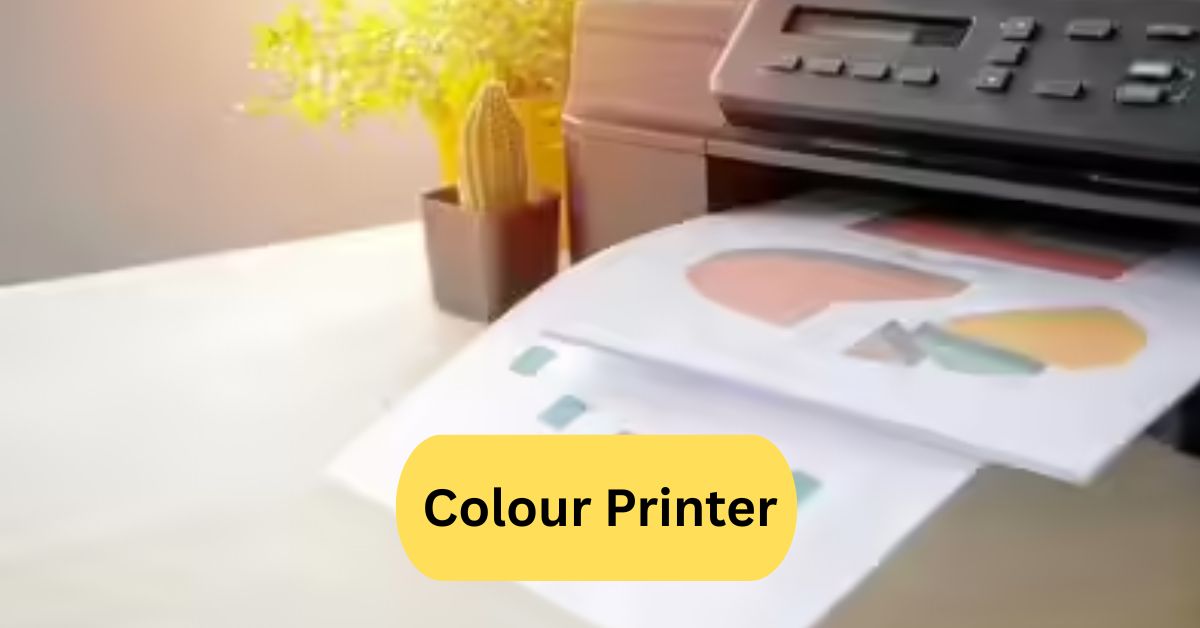
A color printer is a device that prints images and documents in multiple colors using ink or toner. It blends cyan, magenta, yellow, and black (CMYK) to produce vibrant prints. Color printers are ideal for photos, graphics, and professional-quality documents.
In this article we discuss about “Colour Printer”
Table of Contents
Introduction:
If you’ve ever printed photos, school projects, or business presentations, you know how important a colour printer can be. Colour printers have transformed the way we present ideas, turning dull, black-and-white documents into visually striking materials. But with so many types and features available, how do you know which printer is right for you? This guide will break down everything you need to know about colour printers, from types and features to maintenance tips and cost considerations.
What is a Colour Printer?
A colour printer is a device that can produce documents and images in multiple colors, rather than just black and white.
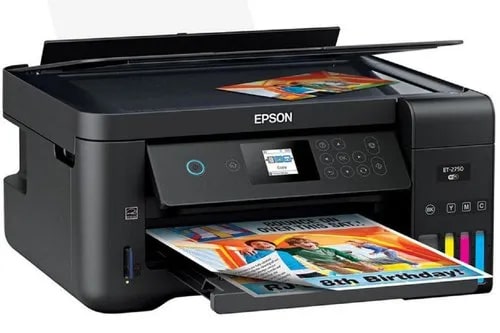
It mixes different inks or toners to create a wide spectrum of colors. Whether it’s a family photo or a business report, a colour printer adds life and clarity to your printouts.
History of Colour Printing Technology:
Colour printing isn’t a modern invention. It started in the late 19th century with primitive techniques, like chromolithography, which involved manually layering colors. Over the decades, technology evolved—first with offset printing, then with early inkjet and laser printers in the late 20th century. Today’s printers combine precision engineering with digital technology to produce high-resolution, vibrant prints in seconds.
Types of Colour Printers:
Choosing the right printer depends on your needs. Here’s a breakdown of the main types:
1. Inkjet Printers:
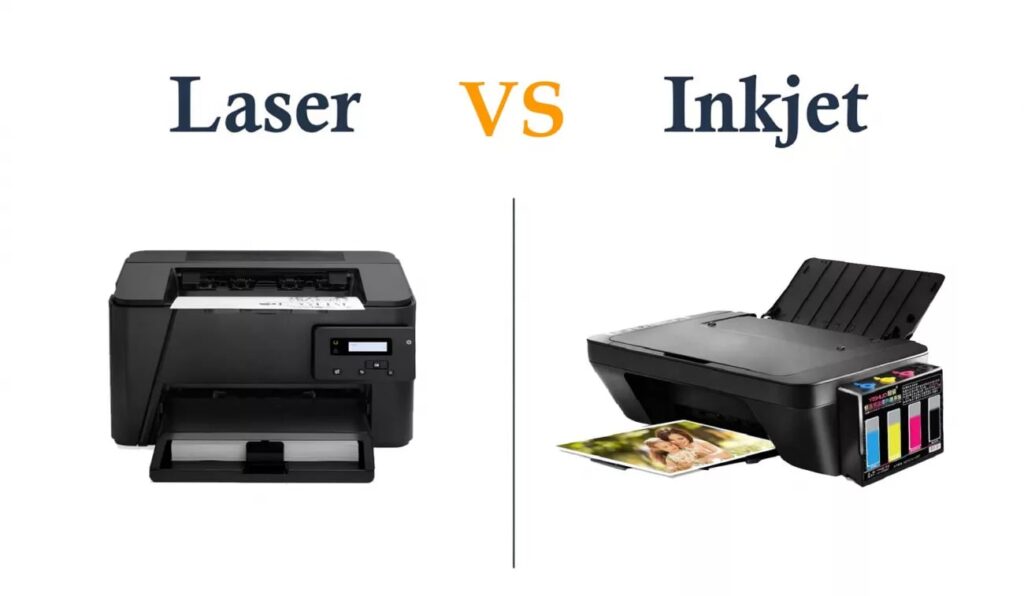
Inkjet printers spray tiny droplets of liquid ink directly onto the paper. They’re popular for home use because they deliver excellent photo quality and can handle various paper types.
2. Laser Printers:
Laser printers use toner powder and a laser to create images on paper. They are faster than inkjets and are ideal for offices where high-volume printing is common.
3. LED Printers:
Similar to laser printers, LED printers use light-emitting diodes to produce images. They’re generally more compact and energy-efficient than laser printers.
4. Dye-Sublimation Printers:
These printers heat special dye to transfer it onto paper or other materials. They’re excellent for high-quality photo prints, often used in professional studios.
Key Features to Look For in a Colour Printer:
When shopping for a printer, consider these features:
1. Print Resolution:
Measured in DPI (dots per inch), higher resolutions produce sharper, more detailed images.
2. Print Speed:
Measured in PPM (pages per minute), this determines how quickly your printer can produce documents.
3. Connectivity Options;
Look for USB, Wi-Fi, or Bluetooth connectivity to print from various devices.
4. Paper Handling:
Check the printer’s capacity and supported paper sizes, especially if you plan to print photos or large-format documents.
Advantages of Colour Printers:
1. Enhanced Document Appearance:
A splash of color makes presentations, brochures, and school projects more attractive.
2. Better for Marketing Materials:
Marketing materials often rely on color to attract attention and convey brand identity.
3. Versatile Printing Options:
From photos to business charts, colour printers handle a wide range of print jobs.
Disadvantages of Colour Printers:
1. High Cost of Ink or Toner:
Colour ink can be expensive, especially for inkjet printers with multiple cartridges.
2. Maintenance Requirements:
Colour printers require regular cleaning and careful handling to maintain print quality.
3. Slower Print Speeds (for some types):
While laser printers are fast, many inkjets can be slower for high-volume printing.
Ink Types and Cartridges:
1. Standard Ink Cartridges:
Traditional cartridges are widely available and easy to replace, but may be more expensive in the long run.
2. Ink Tank Systems:
Ink tanks are refillable, often providing a lower cost per page and higher page yields.
3. Compatible vs Original Cartridges:
Original cartridges ensure optimal quality, while compatible cartridges can save money but sometimes sacrifice reliability.
Choosing Between Inkjet and Laser Colour Printers:
1. Home Use:
Inkjet printers are generally better for home users due to their high-quality photo printing and compact size.
2. Office Use:
Laser printers are preferred in offices for speed, efficiency, and lower cost per page for high-volume printing.
How to Maintain Your Colour Printer:
1. Regular Cleaning:
Dust and dried ink can damage printers. Clean printheads and rollers regularly.
2. Proper Storage of Cartridges:
Store cartridges in a cool, dry place to prevent drying or leakage.
3. Software Updates:
Keeping your printer software up-to-date ensures compatibility and fixes potential bugs.
Troubleshooting Common Colour Printer Issues:
1. Poor Print Quality:
Check for clogged nozzles, low ink, or incorrect print settings.
2. Paper Jams:
Ensure the paper is properly loaded and the tray isn’t overfilled.
3. Connectivity Problems:
Reboot your printer and devices, check drivers, and ensure your network connection is stable.
Eco-Friendly Printing Options:
1. Recycling Cartridges:
Many brands offer recycling programs to reduce waste.
2. Energy Efficient Printers:
Look for ENERGY STAR-certified printers to save energy.
3. Double-Sided Printing:
Duplex printing reduces paper usage and is often supported by modern printers.
Cost Considerations:
1. Initial Cost vs Long-Term Cost:
Some printers are cheap upfront but have expensive ink or toner.
2. Cost per Page Analysis:
Calculate how much each page costs to ensure your printer is economical in the long run.
Best Colour Printers for Home Use:
- Canon PIXMA Series – Ideal for high-quality photos.
- HP Envy Series – Great for documents and occasional photo printing.
- Epson EcoTank Series – Low-cost refillable ink, perfect for regular use.
Best Colour Printers for Office Use:
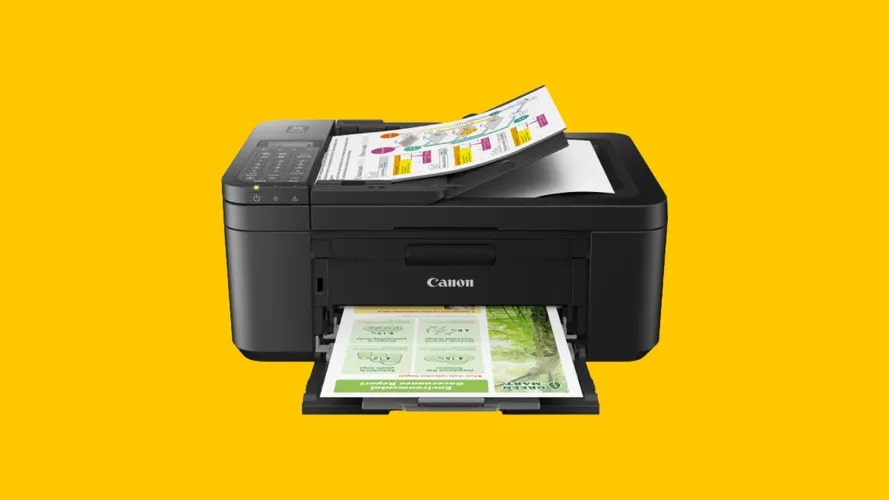
- Brother HL-L8360CDW – Fast, reliable, and cost-efficient.
- HP Color LaserJet Pro – Excellent for high-volume office printing.
- Canon imageCLASS Series – Durable with good print quality for professional documents.
Future Trends in Colour Printing:
The future of colour printing is moving toward higher efficiency, lower environmental impact, and smarter connectivity. Expect AI-driven printers, cloud printing, and sustainable ink solutions to become mainstream in the next few years.
Frequently Asked Questions:
1. What are the best color printers for home use?
Look for printers designed for home offices or casual use — models listed as “best for home” combine good color quality, wireless connectivity, and affordable running costs.
2. How much do color printers typically cost?
Entry‑level color inkjet printers can start around a few tens of dollars, while more feature‑rich color laser or all‑in‑one models may run a few hundred dollars.
3. What is the best inexpensive printer for home use?
A good inexpensive home printer offers wireless printing, decent color output, scanning/copying if needed, and low cost per print. Models with refillable tanks (instead of expensive cartridges) often give great value.
4. Is there a printer that doesn’t require ink cartridges?
Yes — “supertank” printers use refillable ink tanks instead of cartridges, significantly lowering cost per page and reducing waste.
5. Is Epson or HP a better printer?
Both brands have strong offerings; the better one depends on your needs (photo quality, cost per print, features). For example, Epson’s EcoTank models offer very low running costs. Compare specific models rather than just brand.
6. What is the lifespan of a color printer?
A home color printer typically lasts several years (5‑10 years) depending on usage, maintenance, and how many prints you do. Running costs, parts availability and wear will affect it. (Exact lifespan varies.)
7. What is the downside of an ink‑tank printer?
Ink‑tank printers reduce cartridge costs, but they may have higher initial cost, require occasional maintenance (e.g., printhead cleaning), and may be slower than some laser models for large volumes.
8. Why are laser printers being phased out?
Laser printers are not necessarily fully phased out, but for many home users ink‑based and tank‑based models are becoming more popular due to lower upfront cost, better photo printing, and less footprint. Also, toner and disposal issues can favour newer technologies.
9. Is an ink‑tank or laser printer better for home use?
For typical home use (color images/photos + documents + moderate volume), ink‑tank printers often offer better value and versatility. Laser printers excel for high volumes of text/documents and black/white printing.
10. What to look for in a color printer?
Key factors: print quality (DPI/color gamut), running cost per page (ink/toner cost), connectivity (WiFi, mobile print), features (scan/copy/duplex), and whether your usage pattern is heavy or light.
Conclusion:
Colour printers have revolutionized the way we create and share documents, photos, and creative projects. Choosing the right printer depends on your needs, whether it’s high-quality photo printing at home or fast, efficient output in an office. Inkjet, laser, LED, and dye-sublimation printers each offer unique advantages, while features like connectivity, print resolution, and cost per page play a key role in decision-making. Regular maintenance and eco-friendly practices can extend the printer’s lifespan and reduce expenses. With the right choice, a colour printer can bring your ideas to life, making every print vibrant, professional, and visually appealing.
About the Author