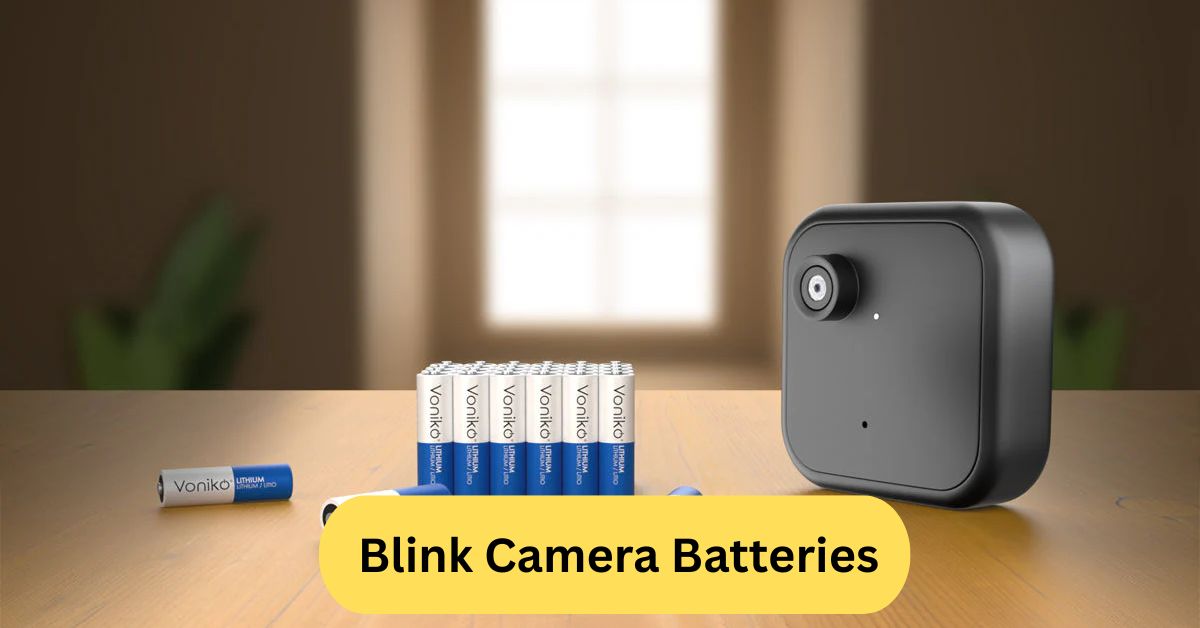
When I used a Blink camera at my front door, the lithium batteries impressed me—they easily lasted several months even with daily motion alerts. I barely had to think about replacing them, which made the whole setup feel hassle-free and dependable.
Blink camera batteries usually last several months thanks to their low-power design, especially when using the recommended AA lithium batteries. In my experience, they hold up well even in frequent motion-detection mode, making them reliable for long-term home security.
In this article we discuss about “Blink Camera Batteries”
Table of Contents
Introduction to Blink Camera Batteries:
When it comes to home security, your camera is only as reliable as its power source. Blink cameras are designed to run efficiently, but the type of battery you use plays a huge role in how well they perform. Whether you’re new to Blink or just want to optimize battery life, understanding the right batteries is the first step.
1. Why Battery Quality Matters:
Blink cameras use wireless technology, meaning they rely heavily on battery strength to deliver consistent video, motion alerts, and night vision.
2. Understanding Blink Camera Power Requirements:
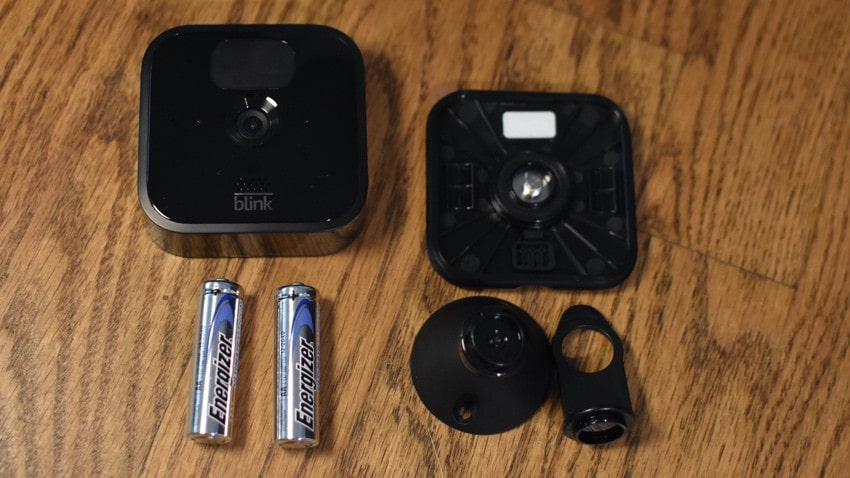
Every Blink model—Indoor, Outdoor, XT2, or Floodlight—runs on two AA batteries. But not just any AA batteries.
Types of Batteries Compatible with Blink Cameras:
1. Lithium AA Batteries:
These are the gold standard for Blink cameras. Lithium AA batteries provide stable voltage, long life, and excellent durability.
2. Why Alkaline Batteries Aren’t Recommended:
Alkaline batteries drain quickly, especially in outdoor cameras. Your camera may disconnect often or stop detecting motion.
3. Rechargeable Batteries: Are They Safe?:
Rechargeables work for some users but aren’t officially recommended. Their voltage is lower, and they may shorten the runtime.
Why Blink Recommends Lithium Batteries:
1. Longer Lifespan:
Lithium batteries can run for months—even up to two years under ideal conditions.
2. Better Weather Resistance:
In cold or extremely hot climates, lithium batteries stay stable while others fail.
3. Stable Voltage for Zero-Lag Performance:
Consistent voltage equals smoother video recording and fewer missed alerts.
Can You Use Rechargeable Batteries in Blink Cameras?
1. The Truth About Rechargeable NiMH Batteries:
These batteries typically run at 1.2V vs the 1.5V a Blink camera is designed for.
2. Pros and Cons of Rechargeable AA Batteries:
Pros: Eco-friendly, reusable
Cons: Shorter lifespan, lower voltage, possible performance issues
3. Do Rechargeables Affect Camera Performance?
Yes. They may cause your Blink to miss motion or disconnect often.
Signs Your Blink Battery Needs Replacement:
1. Battery Icon Turning Red:
Your Blink app will warn you when the battery is low.
2. Motion Detection Delays:
If your battery is weak, the camera reacts slower.
3. Shorter Clip Recording:
This is a major sign the voltage is dropping.
How to Replace Blink Camera Batteries:
1. Step-by-Step Battery Replacement Guide:
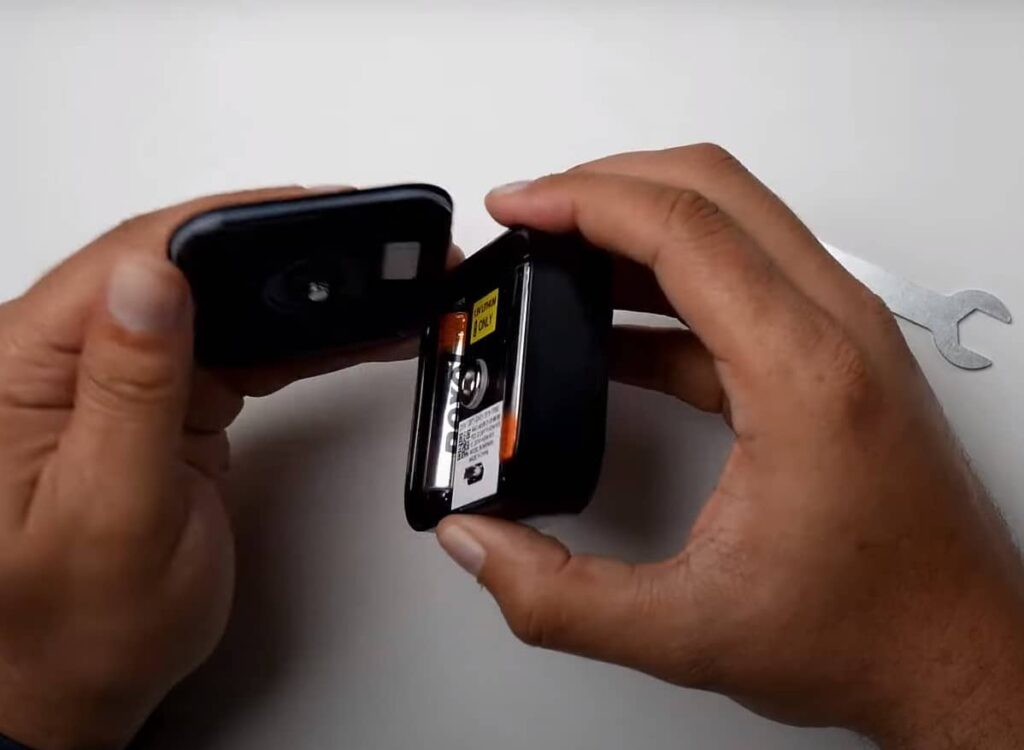
- Remove your camera from its mount
- Open the back cover
- Take out the old batteries
- Insert new lithium AA batteries
- Close the cover and remount
2. Common Mistakes to Avoid:
- Mixing battery brands
- Using alkaline when outdoor temps are extreme
- Installing batteries incorrectly
Best Batteries for Blink Cameras in 2025:
1. Top Lithium AA Brands:
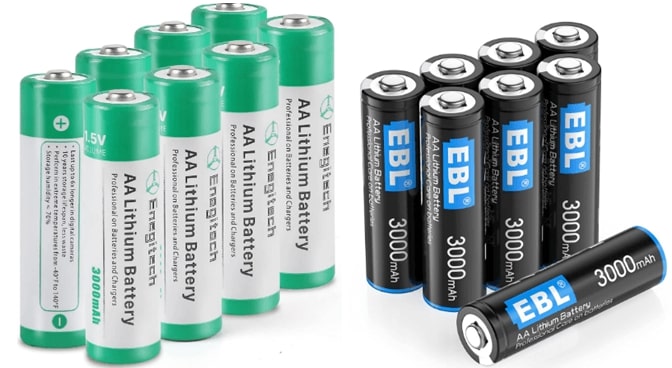
- Energizer Ultimate Lithium
- Duracell Ultra Lithium
2. Longest-Lasting AA Batteries for Security Cameras:
Energizer generally wins in long-term performance tests.
How Long Blink Camera Batteries Typically Last:
1. Lifespan Under Normal Use:
Around 6 months to 2 years, depending on activity.
2. Factors That Reduce Battery Life:
- High motion areas
- Weak Wi-Fi signals
- Cold temperatures
- Long video clips
3. How to Extend Battery Lifespan:
- Lower motion sensitivity
- Reduce clip length
- Strengthen your Wi-Fi
Using Third-Party Batteries with Blink:
1. Are Off-Brand Batteries Safe?
Yes, as long as you choose reputable brands.
2. How to Choose Reliable Third-Party Batteries:
Look for brands with strong customer reviews and consistent test results.
Tips for Maintaining Blink Battery Health:
1. Temperature Tips:
Keep cameras out of direct sunlight and extreme cold.
2. Motion Settings for Better Efficiency:
Reduce sensitivity in busy areas.
3. Optimizing Wi-Fi for Lower Battery Drain:
A strong connection prevents constant reconnection, saving battery.
Troubleshooting Common Blink Battery Problems:
1. Blink Draining Batteries Too Fast:
Try adjusting motion settings, checking Wi-Fi, or changing battery brands.
2. Camera Not Turning On After Battery Install:
Ensure batteries are properly aligned and fully charged.
Replacement batteries for Blink cameras:
Replacement batteries for Blink cameras should always be AA 1.5V lithium non-rechargeable batteries, as they offer the longest life and best performance.
The most reliable options are Energizer Ultimate Lithium or similar high-quality lithium brands. Avoid alkaline or rechargeable batteries because they drain quickly and can cause connection issues.
Blink camera batteries are rechargeable:
Blink camera batteries are not rechargeable, as Blink recommends using AA 1.5V lithium non-rechargeable batteries for best performance. Rechargeable AA batteries usually have lower voltage (1.2V), which can cause connection issues and short battery life. While you can try rechargeable options, Blink warns they may lead to unreliable performance and frequent recharging.
Frequently Asked Questions:
1. What kind of batteries does a Blink camera use?
Blink cameras use AA 1.5V Lithium non-rechargeable batteries, which provide long life and stable performance.
2. Can I put regular AA batteries in a Blink camera?
Regular alkaline AAs are not recommended because they drain quickly and may cause performance issues.
3. How do I replace batteries in a Blink camera?
Open the back cover, remove the old AA batteries, and insert two new lithium AA batteries, matching the polarity marks.
4. What happens if I don’t use lithium batteries in a Blink camera?
The camera may show low battery warnings, disconnect often, or fail to record properly.
5. What happens if I use alkaline instead of lithium batteries?
Alkaline batteries die much faster, especially in cold weather or high-motion areas, reducing camera reliability.
6. Can I use third-party batteries in my Blink?
Yes, as long as they are 1.5V AA Lithium and from a reputable brand, to ensure stable power.
7. What is the best AA battery for Blink cameras?
Energizer Ultimate Lithium AA is widely considered the best for long life and consistent performance.
8. Can I use Duracell batteries in my Blink camera?
Yes, but only Duracell Lithium AA batteries—Duracell alkaline AAs are not recommended.
9. What AA Lithium batteries are in Blink?
Blink commonly includes Energizer Ultimate Lithium AA batteries with new devices.
10. Why do the batteries in my Blink cameras keep dying?
Frequent motion alerts, weak Wi-Fi, cold weather, or using alkaline batteries can cause fast battery drain.
Conclusion:
Choosing the right batteries is essential for getting the best performance out of your Blink camera. Lithium AA batteries deliver the longest life, the most stable voltage, and the most reliable operation—making them the top choice for home security. While rechargeable or alkaline batteries may seem convenient, they often lead to shorter runtimes and connection issues. By using high-quality lithium batteries and optimizing your camera settings, you can extend battery life and keep your system running smoothly. With the right power source, your Blink camera will stay dependable, efficient, and ready to protect your home at all times.
About the Author





