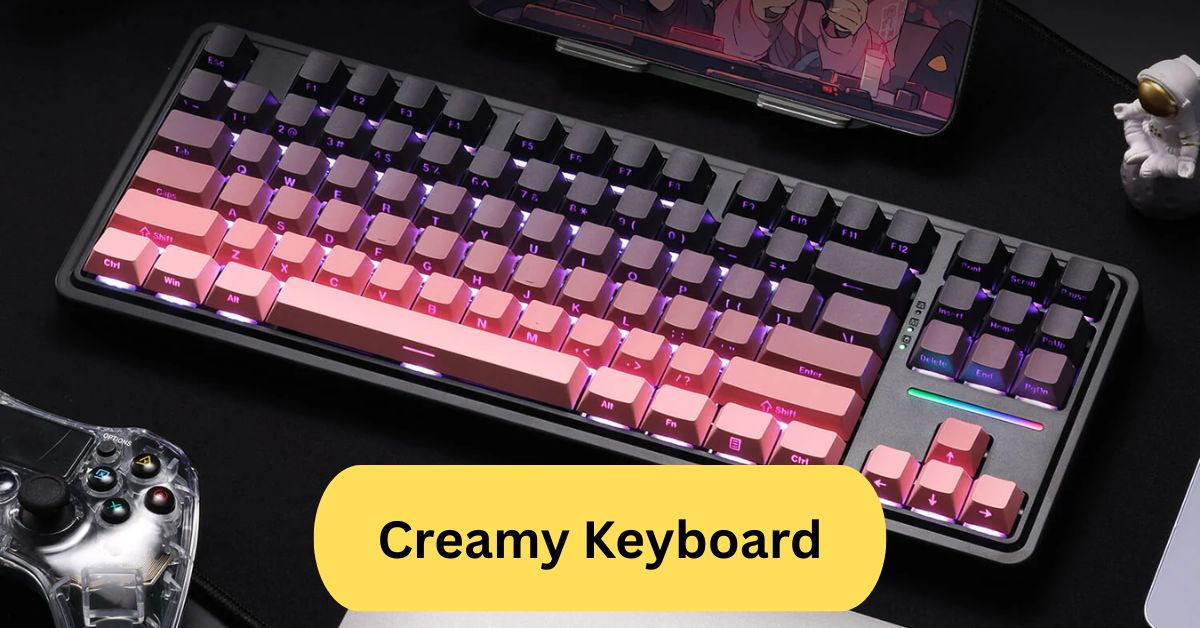
When I first tried a creamy keyboard, I was amazed by how smooth and effortless each keystroke felt. Typing became so satisfying — the keys glided like butter and produced a soft, pleasant sound that made long typing sessions enjoyable instead of tiring.
A creamy keyboard refers to a mechanical keyboard with switches that feel smooth and buttery when typing, offering a soft, consistent keypress without scratchiness. Many enthusiasts describe it as having a “creamy” sound and feel — ideal for a satisfying and quiet typing experience.
In this article we discuss about “Creamy Keyboard”
Table of Contents
What is a Creamy Keyboard?
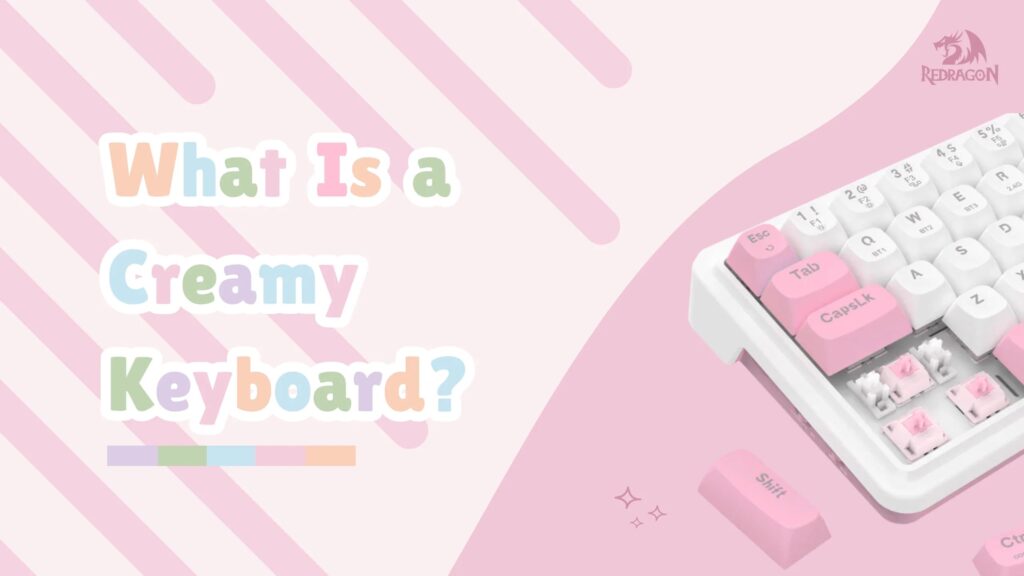
A creamy keyboard is one that delivers a soft, buttery, and smooth typing experience. When you press the keys, you feel a subtle glide — not too loud, not too sharp, but perfectly balanced. The term “creamy” comes from the sound and feel that mimics smoothness, just like spreading cream on bread — effortless and satisfying.
Why Are Creamy Keyboards So Popular?
In the world of mechanical keyboards, sound and feel are everything. Enthusiasts chase that perfect “creamy” tone because it’s relaxing and premium. The sound sits between thocky (deep) and clacky (sharp), offering a soft, velvety typing rhythm that feels natural for both gaming and work.
The Origin of the Term:
The word “creamy” became popular on Reddit and YouTube keyboard communities to describe switches that sound smooth and feel fluid. It’s not an official mechanical term but rather a community-created descriptor for the ideal typing sensation.
1. Creamy vs. Clacky vs. Thocky:
- Creamy – Smooth, medium-pitched, and soft.
- Clacky – Sharp, high-pitched, and loud.
- Thocky – Deep, bassy, and cushioned.
If you prefer something that sounds refined and gentle without being dull, creamy keyboards hit that perfect sweet spot.
Components That Make a Keyboard Creamy:
1. Switch Type and Lubing:
The switch is the heart of the keyboard. Linear switches, when properly lubed, provide that signature creamy feel. Lubing reduces friction, making each keystroke glide effortlessly.
2. Keycaps and Material:
Keycaps made from PBT plastic (especially thick ones) enhance creamy acoustics by reducing sharp noise. They feel textured and deliver a richer, smoother sound than thin ABS caps.
3. Stabilizers and Sound Dampening:
Rattly stabilizers can ruin the creamy experience. Properly tuned and lubed stabilizers, especially for larger keys like the spacebar, ensure even sound and smooth motion.
4. Keyboard Case and Mounting Style:
A gasket mount or top mount case made of aluminum or polycarbonate absorbs vibrations well. This adds to that soft, buttery sound profile that creamy lovers crave.
What Are Creamy Switches?
1. Linear vs. Tactile:
Linear switches, such as Gateron Milky Yellows or NovelKeys Creams, are known for their consistent movement without bumps. Tactile switches, on the other hand, have feedback that can disrupt the creamy flow.
2. Popular Creamy Switches:
- NovelKeys Creams – Famous for their smooth, “melty” feel.
- Gateron Milky Yellows – Affordable and extremely smooth when lubed.
- Akko Jelly Blacks – Offer a deep, creamy sound right out of the box.
- JWK Linear Switches – Known for polished stems and rich sound.
How to Make Your Keyboard Sound Creamy:
1. Lubing the Switches:
Lubing is the most important step. It involves applying a thin layer of lubricant to the switch parts, reducing friction and noise. Krytox 205g0 is the go-to lube for creamy builds.
2. Adding Foam Mods:
Add PE foam, plate foam, or case foam to dampen sharp sounds. This creates a fuller, smoother acoustic profile.
3. Using Proper Keycaps:
Choose thick PBT keycaps — preferably Cherry or OEM profile. These give a warmer tone that complements creamy switches.
Balancing Sound and Feel:
Experiment with different foams and lubes to achieve your desired creaminess. Sometimes, even small tweaks can make a huge difference in sound and comfort.
Pre-Built Creamy Keyboards:
1. Popular Ready-to-Use Creamy Keyboards:
Brands like Keychron, Akko, and Royal Kludge (RK) now offer pre-built boards that deliver creamy acoustics out of the box. The Keychron K6 Pro and Akko 5075B Plus are top examples with pre-lubed switches and dampened cases.
2. Are They Worth Buying?
If you’re new to mechanical keyboards or don’t want to mod your own, pre-built creamy keyboards are a great option. They provide 80–90% of the creamy feel without the hassle of building.
Wireless Creamy Keyboards:
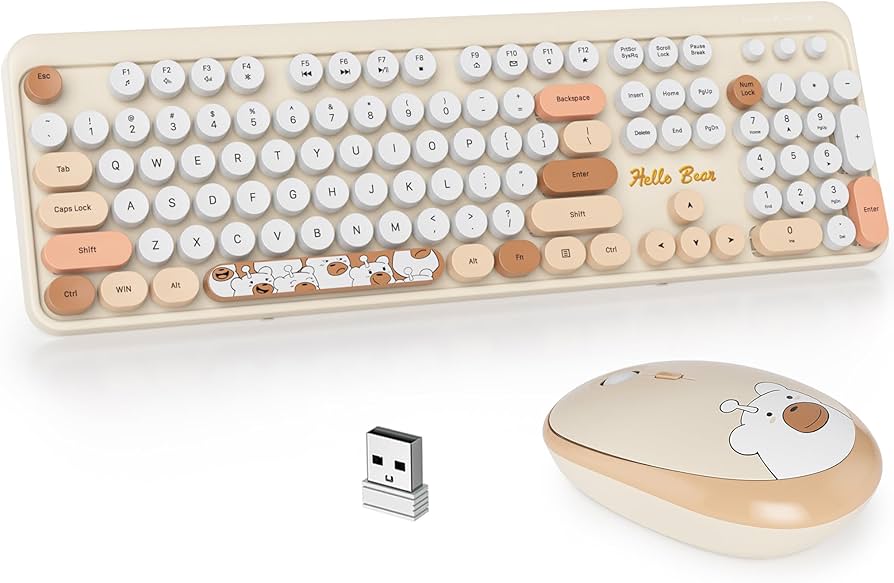
1. Benefits of Going Wireless:
Wireless creamy keyboards combine luxury and flexibility. You get a cable-free setup without losing sound quality. Bluetooth 5.1 and 2.4GHz connections ensure stable, lag-free performance.
2. Top Wireless Creamy Keyboards for 2025:
- Keychron K10 Pro Wireless – Exceptional battery life and creamy feel.
- Akko MOD007B PC – Pre-lubed switches and excellent acoustic dampening.
- Royal Kludge RK84 – Budget-friendly yet delivers satisfying creamy sound.
Custom vs. Pre-Built – Which One’s Creamier?
Building a custom creamy keyboard allows for full control over sound and feel — from switches to foam mods. Pre-built boards save time and effort but can’t always match the perfection of a fully tuned custom setup.
Budget-Friendly Creamy Keyboard Builds:
Want that premium creamy sound without breaking the bank? Try this:
- Use Gateron Milky Yellows ($20 pack)
- Lube with Krytox 205g0
- Add case foam (DIY with shelf liner)
- Go for thick PBT keycaps
You’ll be amazed at how close you can get to a high-end creamy sound on a budget.
Sound Testing and Tweaking:
After assembling, record your keyboard’s sound test using a mic or phone. Compare with YouTube creamy sound benchmarks. Adjust foam layers or stabilizer tuning to refine your result.
Why People Love Creamy Keyboards:
Typing on a creamy keyboard is therapeutic. It’s quiet yet tactile, satisfying yet effortless. The sound feels like music to your fingers — rhythmic, soothing, and deeply personal.
Maintenance and Care:
To maintain the creamy feel:
- Keep dust away with a cover.
- Re-lube switches every 6–12 months.
- Avoid spills and humidity.
- Clean keycaps regularly with mild soap and water.
Final Thoughts:
A creamy keyboard isn’t just about typing — it’s about experience. From the soft sound to the smooth motion, it transforms your daily typing into something truly enjoyable. Whether pre-built or custom, the key is to find your perfect balance of comfort, aesthetics, and sound.
Creamy Keyboard prebuilt:
A creamy prebuilt keyboard is a ready-to-use mechanical keyboard designed to give a smooth, buttery typing feel right out of the box. It usually features pre-lubed linear switches, sound-dampening foam, and soft mounting. Perfect for users who want a creamy experience without doing custom mods.
Best creamy keyboard:
If you’re looking for the best “creamy” keyboard, go for a prebuilt model that features a gasket-mount design, hot-swappable pre-lubed linear switches, and sound-dampening foam for that buttery smooth feel.
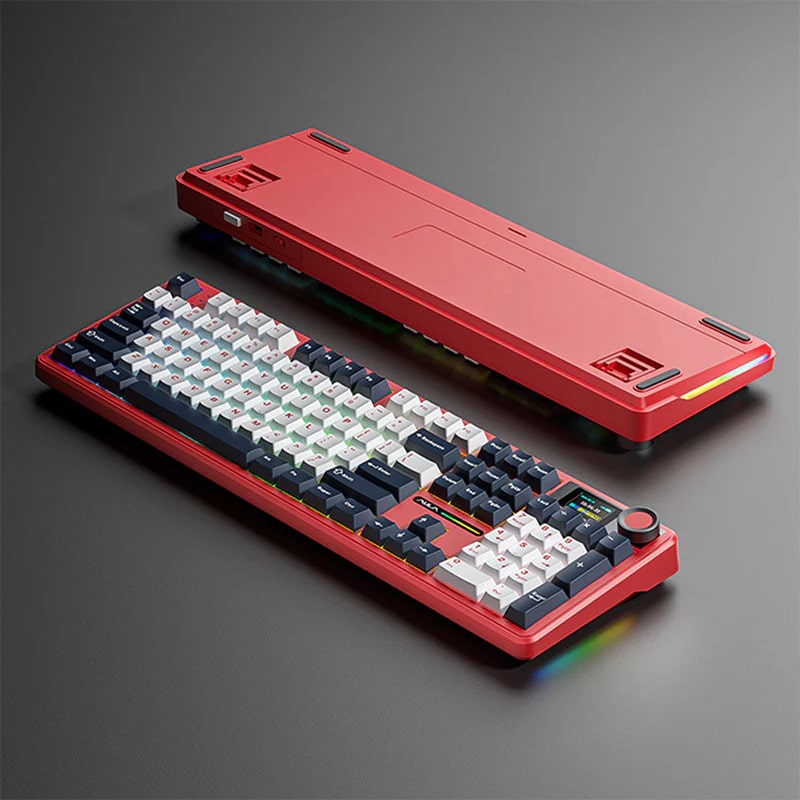
For example, the Epomaker Galaxy80 is highlighted for its aluminum case, cushioned mount, and smooth keystroke for a “creamy” experience.
Wireless creamy keyboard:
A wireless creamy keyboard combines the smooth, buttery keystroke feel of a “creamy” mechanical keyboard with the freedom of wireless connectivity (Bluetooth, 2.4 GHz dongle, or USB-C). It typically features well-tuned linear switches, sound-dampening foam or gasket mounting to reduce harsh feedback, and a build optimized for soft, quiet use. For example, the AULA F75 offers tri-mode connectivity and a creamy typing experience right out of the box.
Frequently Asked Questions:
1. What is a creamy keyboard?
A creamy keyboard refers to one with switches that feel smooth and buttery when typing. The keystrokes are consistent, soft, and have minimal resistance, giving a pleasant, fluid typing experience.
2. What are the creamiest switches on a keyboard?
Some of the creamiest switches include Gateron Milky Yellows, Kailh Creams, and Durock Linears. These switches are popular for their smooth actuation and rich, buttery sound profile.
3. Do creamy switches sound good?
Yes, creamy switches sound soft and smooth, often described as having a “buttery” tone. They produce a satisfying sound without being too loud or harsh, perfect for those who enjoy a mellow typing experience.
4. Are pre-built creamy keyboards available?
Yes, some pre-built keyboards come with creamy-feeling switches or linear options that provide a similar smooth experience. However, true enthusiasts often customize their keyboards for the best creamy feel.
5. What is the difference between creamy and thocky keyboards?
A creamy keyboard has a smooth, buttery sound and feel, while a thocky keyboard produces a deeper, fuller “thock” sound with each press. Creamy focuses on smoothness; thocky emphasizes sound depth.
6. Why do gamers hate membrane keyboards?
Many gamers dislike membrane keyboards because they feel mushy and less responsive compared to mechanical ones. Mechanical keyboards offer faster actuation, better feedback, and improved durability for gaming.
7. Are creamy keyboards silent?
Not completely silent, but creamy keyboards are generally quieter than clicky ones. Their linear or smooth switches reduce noise, producing a soft, muted sound that’s pleasant and office-friendly.
8. What are the 4 types of keyboards?
The four main types of keyboards are mechanical, membrane, scissor-switch, and optical. Each type differs in key feel, responsiveness, and durability based on its switch mechanism.
9. Are red switches clicky or creamy?
Red switches are typically creamy or smooth, not clicky. They have a light linear feel, making them ideal for fast typing and gaming without the tactile bump or loud click.
10. Why do gamers like 60% keyboards?
Gamers love 60% keyboards because they’re compact, portable, and provide more desk space for mouse movement. Despite their smaller size, they retain essential keys and offer a clean, minimal layout.
Conclusion:
A creamy keyboard is more than just a typing tool — it’s an experience that blends smoothness, sound, and comfort into one satisfying package. Whether you build your own or choose a prebuilt or wireless version, the creamy feel offers unmatched typing pleasure. With proper lubing, sound dampening, and maintenance, you can achieve that buttery, effortless keystroke every time. Ideal for both work and play, creamy keyboards turn everyday typing into a relaxing and enjoyable activity.
About the Author