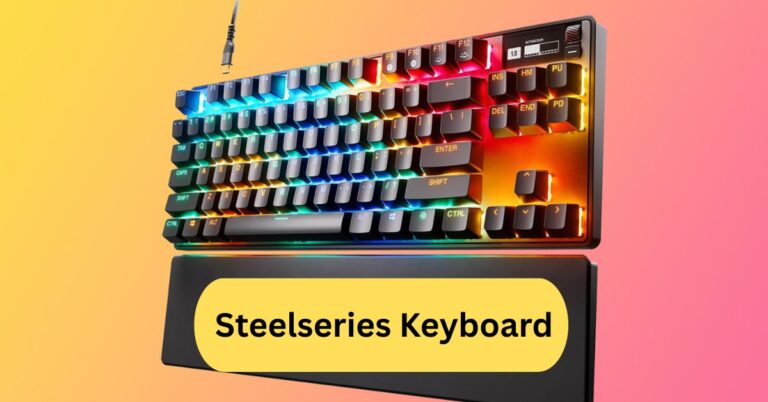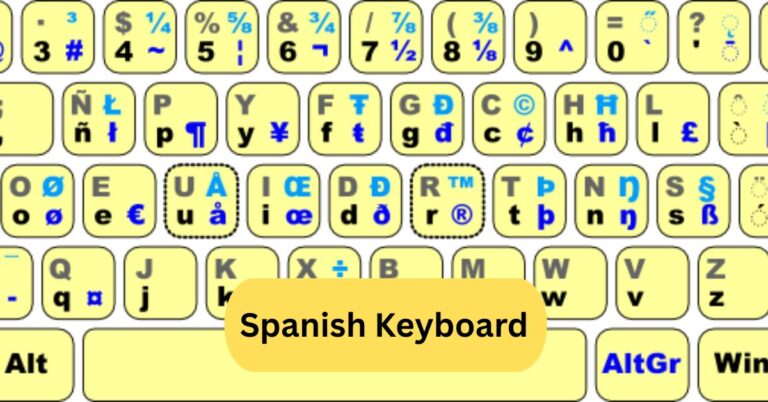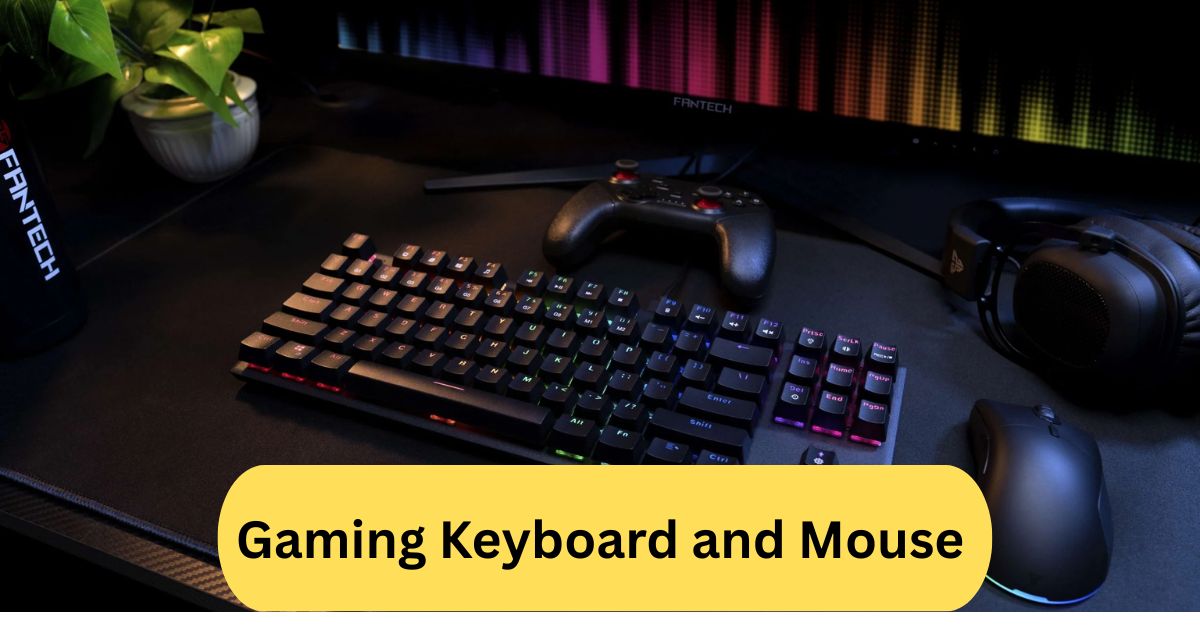
Using a gaming keyboard and mouse made a huge difference for me. The keys felt responsive and precise, and the mouse allowed faster, smoother movements in games. It made long gaming sessions more comfortable and enjoyable.
A quality gaming keyboard and mouse combo gives you faster response times and greater precision, especially useful in competitive games. It also offers features like customizable keys, extra buttons, and an ergonomic design for comfort during long sessions.
In this article we discuss about “Gaming Keyboard and Mouse”
Table of Contents
Introduction:
If you’re a gamer, you know that every millisecond counts. The right gaming keyboard and mouse can make or break your performance, whether you’re crushing it in a fast-paced FPS or grinding through an RPG. In this guide, we’ll dive deep into everything you need to know about gaming keyboards and mice—so you can pick the perfect setup and dominate your games.
What is a Gaming Keyboard and Mouse?
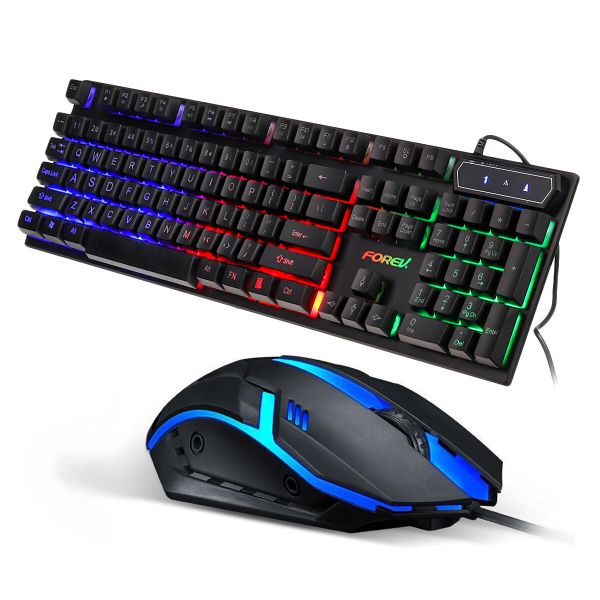
Gaming keyboards and mice are specialized peripherals designed specifically for gamers. Unlike standard office keyboards and mice, these devices offer faster response times, customizable features, and durable designs that can withstand heavy use. Think of them as your trusty weapons in the virtual battlefield—built to perform when it matters most.
Why Gamers Need Specialized Keyboards and Mice:
You might wonder: “Can’t I just use my regular keyboard and mouse?” Sure, you can, but specialized gaming gear gives you a huge edge. Faster response times, programmable keys, better ergonomics, and customizable lighting all contribute to a smoother, more immersive gaming experience. Plus, they often last longer than standard peripherals, so you won’t have to replace them after a few months of heavy gaming.
Types of Gaming Keyboards:
1. Mechanical Keyboards:
Mechanical keyboards are the gold standard for gamers. They use individual switches for each key, giving you tactile feedback and precise control. Whether you prefer the clicky sound of a Cherry MX Blue or the quiet responsiveness of a Red switch, mechanical keyboards are built for performance and durability.
2. Membrane Keyboards:
Membrane keyboards use a pressure pad system instead of individual switches. They’re quieter and usually cheaper than mechanical keyboards, but they lack the same tactile feel. Still, they’re great for casual gamers or those on a budget.
3. Hybrid Keyboards:
Hybrid keyboards combine the best of both worlds. They offer mechanical-style feedback with membrane durability. It’s a good compromise if you want some tactile response without paying premium mechanical keyboard prices.
Types of Gaming Mice:
1. Wired vs Wireless:
Wired mice offer zero latency, making them ideal for competitive gaming. Wireless mice have improved a lot in recent years, with high-speed connections and long battery life, giving gamers freedom of movement without sacrificing performance.
2. DPI and Sensitivity Options:
DPI (dots per inch) determines how sensitive a mouse is to movement. Higher DPI allows for faster cursor movement, which is crucial in FPS games. Many gaming mice let you adjust DPI on the fly for ultimate flexibility.
3. Ergonomic Designs:
Comfort is key for long gaming sessions. Gaming mice come in different shapes and sizes, designed to fit palm, claw, or fingertip grips. Picking the right style reduces hand fatigue and improves accuracy.
Key Features to Look for in a Gaming Keyboard:
1. Anti-Ghosting and N-Key Rollover:
These features allow multiple keys to be pressed simultaneously without input errors—a must for combos in action-packed games.
2. RGB Lighting and Customization:
Customizable lighting isn’t just for aesthetics. It can highlight important keys, help you play in the dark, and even sync with in-game events for a more immersive experience.
3. Macro Keys:
Macro keys let you program complex commands or sequences with a single press. Perfect for MMO or strategy games where multiple actions happen at once.
4. Build Quality and Materials:
High-quality materials like aluminum or reinforced plastic make your keyboard durable, ensuring it survives intense gaming marathons.
Key Features to Look for in a Gaming Mouse:
1. High-Precision Sensors:
A top-notch sensor ensures accurate tracking and consistent performance. Optical and laser sensors are common in gaming mice, with varying DPI ranges to suit different gaming styles.
2. Customizable Buttons:
Extra buttons let you bind abilities or macros, giving you faster access than using the keyboard alone.
3. Weight Adjustment:
Some mice allow you to adjust the weight, making them feel heavier or lighter depending on your preference. This can significantly affect control and precision.
4. Grip Styles (Claw, Palm, Fingertip):
Understanding your grip style helps you choose a mouse that feels natural and reduces hand fatigue.
Popular Brands and Models:
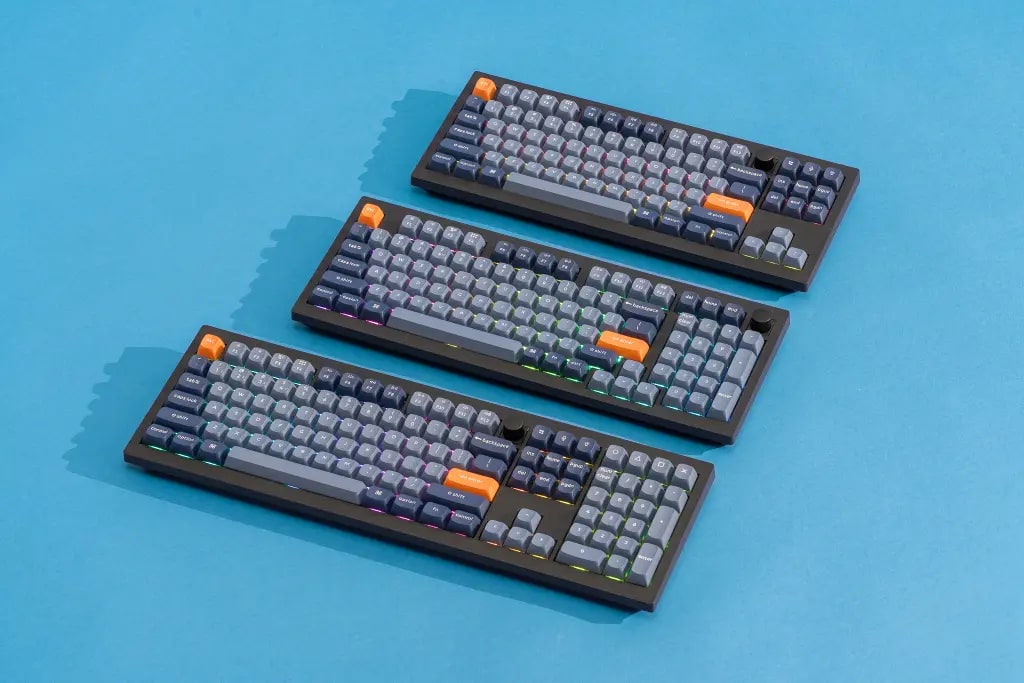
1. Keyboards:
- Corsair K95 RGB Platinum – Known for its mechanical switches and customizable RGB lighting.
- Razer BlackWidow V3 – Offers excellent tactile feedback and macro options.
- Logitech G915 TKL – Wireless mechanical keyboard with low-profile keys.
2. Mice:
- Logitech G502 Hero – High DPI, customizable buttons, and adjustable weights.
- Razer DeathAdder V2 – Ergonomic and precise, perfect for FPS gamers.
- SteelSeries Rival 3 – Affordable, reliable, and durable for long sessions.
Wired vs Wireless Gaming Peripherals Pros and Cons:
Wired devices offer unbeatable latency and no battery worries, but they can restrict movement. Wireless peripherals offer freedom and cleaner setups but may need charging and a slightly higher investment. Modern wireless tech, however, is closing the gap with wired performance.
Choosing the Right Keyboard and Mouse Combo:
When picking a combo, consider your gaming style. FPS players often prefer fast, responsive mice and compact keyboards, while MMO players may benefit from extra macro keys and wider layouts. Comfort, durability, and performance should be your top priorities.
Tips for Maintaining Your Gaming Keyboard and Mouse:
- Clean your devices regularly to avoid dust buildup.
- Avoid eating over your keyboard to prevent sticky keys.
- Replace worn-out keycaps or mouse feet for continued smooth performance.
- Update drivers and firmware for optimal performance.
Common Mistakes Gamers Make When Choosing Gear:
- Prioritizing aesthetics over performance.
- Ignoring ergonomics can lead to fatigue or injury.
- Buying high-DPI mice without adjusting settings properly.
- Overlooking build quality results in a short lifespan.
Budget vs Premium Options:
You don’t need to break the bank for a good setup. Budget keyboards and mice can perform surprisingly well, while premium options offer advanced features like per-key RGB, mechanical switches, and high-precision sensors. Decide what features matter most and allocate your budget accordingly.
Future Trends in Gaming Keyboards and Mice:
Expect more wireless innovations, AI-driven customization, adaptive ergonomics, and even haptic feedback in upcoming peripherals. RGB lighting will evolve into immersive environmental lighting, syncing with games for total sensory experiences.
Gaming keyboard and mouse combo:
A gaming keyboard and mouse combo bundles a high‑performance keyboard (often with mechanical switches, customizable keys, and RGB lighting) with a precision gaming mouse (adjustable DPI, extra buttons, ergonomic design) for seamless gaming control. Choosing a combo means they’re designed to complement each other—so you get matching style, similar latency levels, and better harmony between your inputs. For budget‑conscious gamers, combos offer strong value and make setup simpler; just plug in and you’re ready to go.
Best gaming keyboard and mouse:
When choosing the best gaming keyboard and mouse, aim for a mechanical keyboard with high‑quality switches and at least 1000 Hz polling rate plus a gaming mouse with a ~20,000 DPI sensor, lightweight build, and fast tracking.
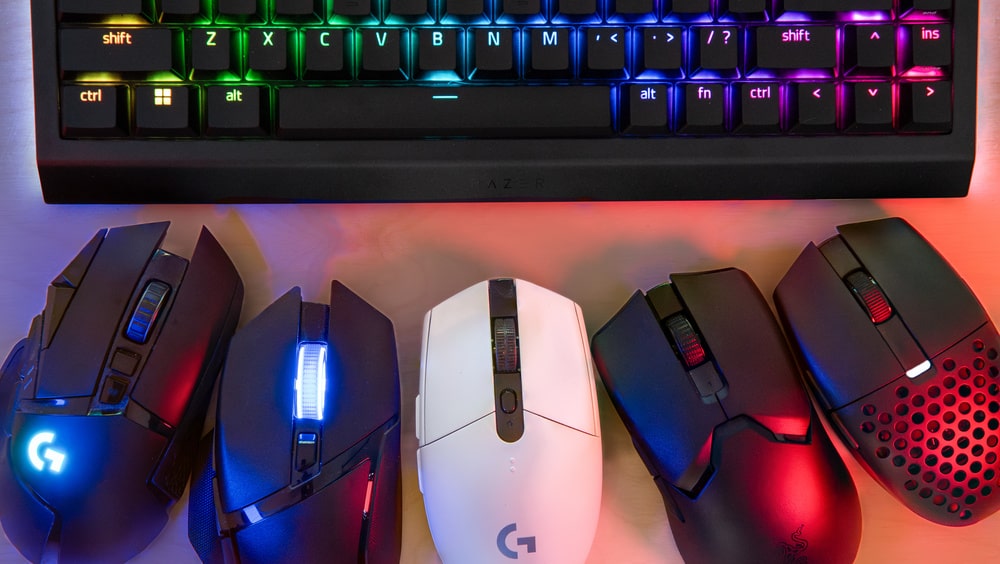
For example, combo sets like the Logitech G Pro X keyboard with G Pro X Superlight mouse are highly rated for competitive gamers. Prioritise performance and comfort over flashy extras — the best peripherals support your gameplay rather than distract from it.
Gaming Keyboard and Mouse Wired:
A wired gaming keyboard and mouse combo offers ultra‑low latency, direct connection reliability, and no worries about battery life—ideal for competitive gaming. The cables do require some desk tidying and restrict mobility a bit, but the performance and value make it a top choice for serious gamers.
Frequently Asked Questions:
1. Which is the best gaming keyboard and mouse?
There’s no one “best” set for everyone — top combos offer responsive keys, high‑precision sensors (~25,000–30,000 DPI), and strong build quality. For example, reviewers highlight combos like the Razer Huntsman V2 + DeathAdder V3 Pro and Corsair K70 MK.2 + Scimitar Pro as high‑end choices.
2. What is the best keyboard and mouse combo for gaming?
The best combo depends on your game type and budget: if you play FPS, go for a lightweight mouse with an ultra‑fast sensor and a tenkeyless or compact keyboard for freedom of movement. If you play MMOs, look for extra programmable buttons. Good articles list combos across price tiers and feature sets.
3. What keyboard do most gamers use?
Many gamers favour mechanical keyboards with around 1080p/144Hz responsiveness; brands like Razer, Logitech, Corsair, and SteelSeries pop up often. Lists for “best gaming keyboards in 2025” include models from these brands.
4. Is it worth getting a gaming keyboard?
Yes — if you value faster response, durability (mechanical switches rated for tens of millions of key‑presses), and customization (macro keys, backlighting). If you mostly only browse or type lightly, a standard keyboard may suffice.
5. What is the most recommended gaming keyboard?
According to recent reviews, keyboards like the Corsair K100 Air Wireless (premium) and more budget models with good mechanical switches rank very high.
6. What is the #1 gaming mouse in the world?
A strong candidate is the Razer Viper V3 Pro, described as “the best overall gaming mouse” in 2025 by one review, thanks to its 53.8 g weight and top‑tier sensor.
7. What is the lifespan of a keyboard?
A quality gaming keyboard with mechanical switches can last 5‑10 years or more, depending on usage, switch type, and maintenance (cleaning, firmware updates).
8. Is a 60% or 65% keyboard better?
Compact 60%/65% keyboards omit or reduce certain keys (like numpad or function row) and free up desk space — great for FPS gamers or minimalists. But if you need full keys for work, MMOs, or financial apps, a full‑size board might be better.
9. Do I need a wrist rest for gaming?
A wrist rest can improve comfort during long sessions and reduce fatigue, but it’s not strictly required. Smooth mouse movement and proper posture are more critical for performance.
10. How to choose a gaming keyboard?
Consider your priorities: switch type (mechanical vs membrane), size/layout (full/tenkeyless/compact), connectivity (wired vs wireless), backlighting/aesthetics, programmable keys, and your budget. Match it to your game genre and setup.
Conclusion:
Choosing the right gaming keyboard and mouse can completely transform your gaming experience. From faster response times to improved comfort and precision, the right setup helps you perform at your best in every match. Whether you prefer wired reliability or wireless freedom, investing in quality peripherals ensures long-term durability and enjoyment. Always prioritize comfort, performance, and build quality over flashy features. With the perfect combo, you’ll not only play better—you’ll enjoy every moment of the game even more.
About the Author