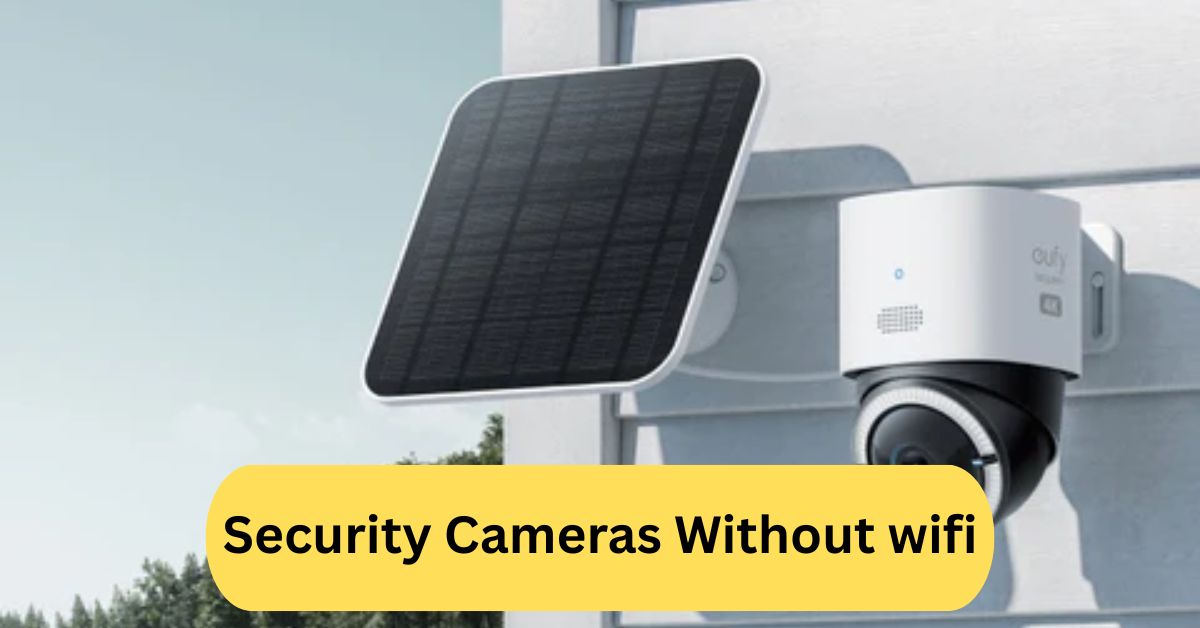
Using security cameras without WiFi was surprisingly straightforward. I didn’t have to worry about network issues or hackers, and the setup was quick. It gave me peace of mind knowing my home was being monitored reliably, even without an internet connection.
Security cameras without WiFi store footage locally, often on SD cards or DVRs, making them secure from hacking. They work well in areas with poor or no internet, offering reliable monitoring for homes or businesses.
In this article we discuss about “Security Cameras Without wifi”
Table of Contents
Introduction:
Security is a top priority for homeowners and business owners alike. With rising concerns about break-ins, vandalism, and theft, installing a security camera system has become essential. But what if you don’t want your cameras connected to the internet? That’s where security cameras without WiFi come into play. These cameras offer reliable monitoring without depending on your network, making them perfect for privacy-conscious individuals or locations with poor internet connectivity.
What Are Security Cameras Without WiFi?
Security cameras without WiFi are surveillance devices that operate independently of an internet connection. Unlike WiFi cameras that upload footage to cloud servers or allow remote streaming, non-WiFi cameras store footage locally, usually on SD cards or DVR systems. This setup eliminates the need for constant internet access while still providing high-quality security monitoring.
Types of Security Cameras Without WiFi:
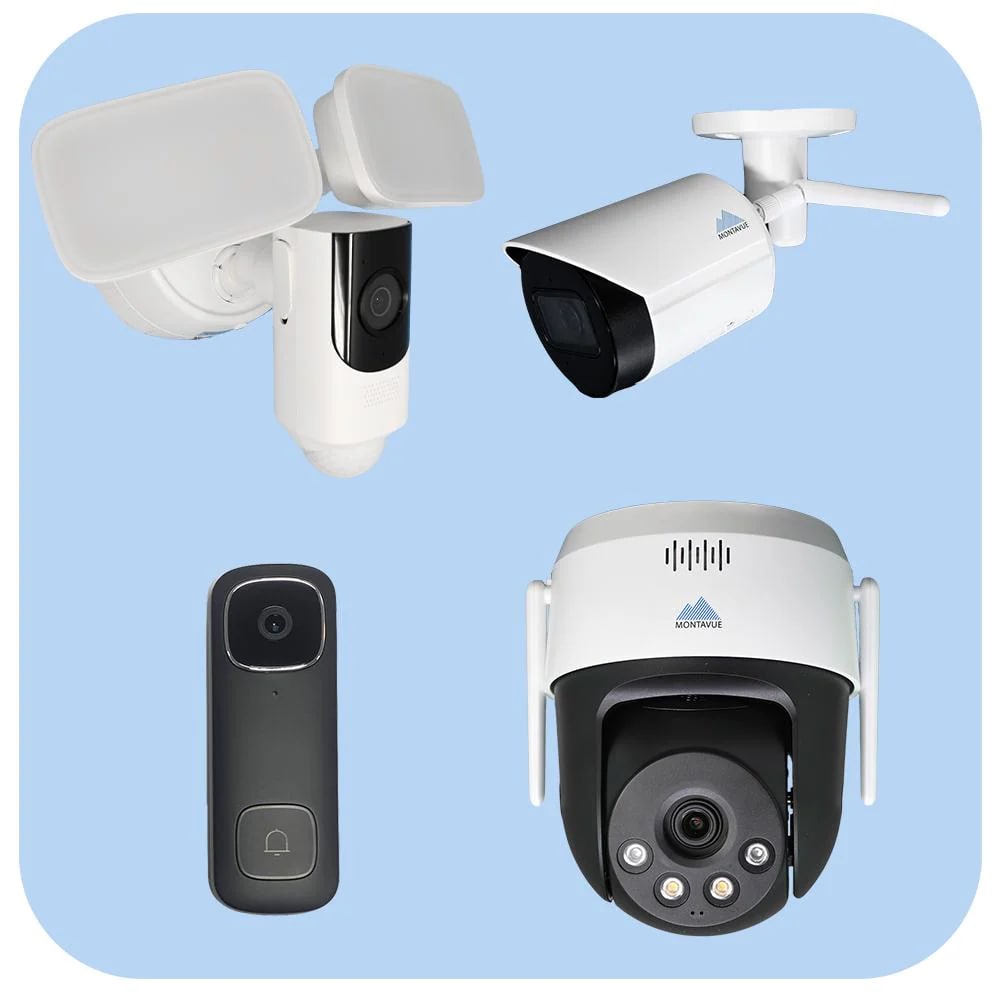
1. Wired Cameras:
These cameras connect directly to a power source and storage device using cables. They are reliable and ideal for fixed installations, but require professional installation in some cases.
2. Battery-Powered Cameras:
Battery-operated cameras provide flexibility in placement. They are portable and suitable for areas without power outlets, though they need periodic battery replacement.
3. SD Card-Based Cameras:
Many non-WiFi cameras record directly to an SD card. This allows easy retrieval of footage without needing an internet connection. Some models also feature loop recording, which overwrites old footage when storage is full.
Key Features to Look For:
1. Video Resolution:
A high-resolution camera ensures clear footage. Look for 1080p or higher for detailed recordings.
2. Night Vision Capabilities:
Infrared or low-light cameras allow you to monitor areas effectively even in complete darkness.
3. Motion Detection:
Motion-activated cameras save storage space by only recording when movement is detected.
4. Storage Options:
Check whether the camera uses SD cards, DVR systems, or local hard drives. Some cameras support expandable storage for longer recording periods.
Advantages of Security Cameras Without WiFi:
1. Enhanced Privacy:
Without WiFi, your footage stays local, making it less susceptible to hacking or data leaks.
2. No Internet Dependency:
Even during internet outages, these cameras continue to function, providing uninterrupted security.
3. Reduced Hacking Risks:
Because they don’t connect online, the risk of remote intrusion is minimized.
4. Lower Ongoing Costs:
No cloud subscription is required, saving money in the long run.
Disadvantages:
1. Limited Remote Access:
You usually need to be physically present to view footage unless paired with other tech.
2. Manual Storage Management:
You’ll need to periodically remove or manage SD cards or DVR storage.
3. Installation Limitations:
Some wired cameras may require professional installation or drilling walls for cables.
Top Uses for Non-WiFi Security Cameras:
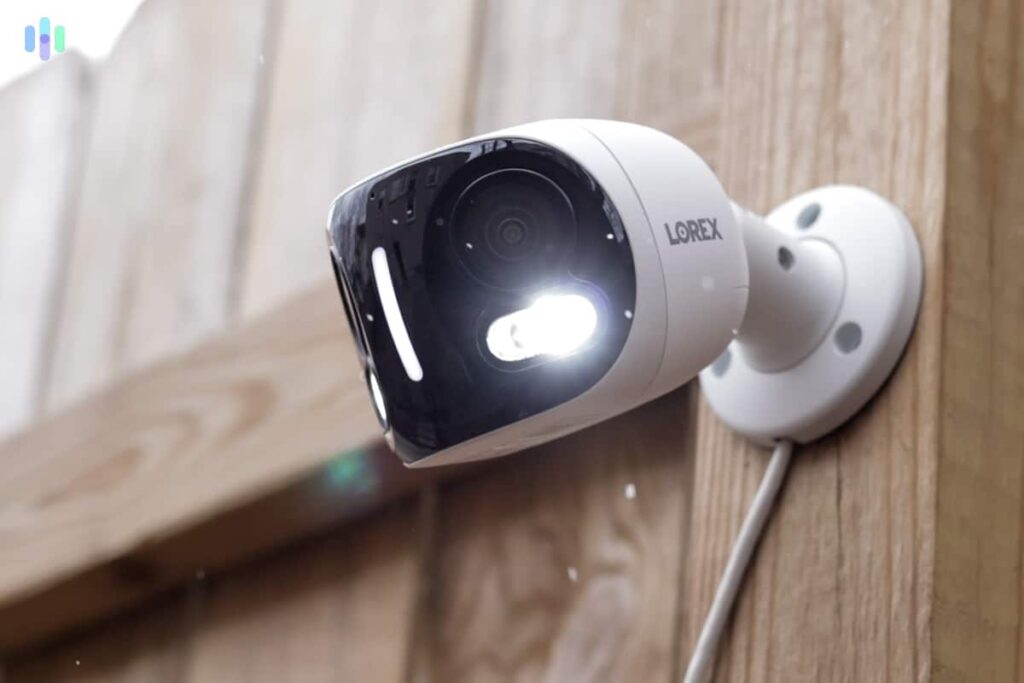
1. Home Security:
Ideal for monitoring entrances, backyards, and garages without worrying about hackers.
2. Business Surveillance:
Stores sensitive footage locally, maintaining employee and client privacy.
3. Remote Properties:
For vacation homes or cabins without reliable internet, these cameras ensure continuous security.
4. Outdoor Monitoring:
Weatherproof models can withstand harsh conditions while recording footage directly on local storage.
How to Choose the Right Camera:
1. Assessing Your Security Needs:
Decide whether you need indoor, outdoor, or portable cameras based on your property layout.
2. Budget Considerations:
Non-WiFi cameras are generally cheaper upfront and have no recurring cloud fees.
3. Indoor vs Outdoor Usage:
Ensure the camera is weather-resistant for outdoor installations, while indoor cameras can prioritize design and discretion.
Installation Tips:
1. Positioning Cameras:
Place cameras at entrances, blind spots, and areas with high activity for maximum coverage.
2. Power Supply Considerations:
Wired cameras require power outlets, while battery cameras need periodic recharging or replacement.
3. Ensuring Optimal Coverage:
Adjust angles carefully to avoid obstructions and maximize the field of view.
Maintenance Tips:
1. Cleaning Lenses:
Keep the lens clean to maintain clear image quality.
2. Checking Storage:
Regularly review footage and ensure SD cards or DVRs have sufficient capacity.
3. Battery Replacement:
Battery-powered cameras require timely replacement to avoid downtime.
Comparison: WiFi vs Non-WiFi Cameras:
1. Connectivity:
WiFi cameras allow remote monitoring; non-WiFi cameras function offline.
2. Security:
Non-WiFi cameras reduce hacking risks, while WiFi cameras may be more vulnerable.
3. Cost Analysis:
Non-WiFi cameras usually have lower long-term costs due to no subscription fees.
Popular Brands and Models:
- Lorex – Offers reliable wired and wireless hybrid models.
- Arlo – Some models work without WiFi using local storage.
- Reolink – Known for high-resolution SD card cameras.
- Swann – Provides budget-friendly DVR-based cameras.
DIY Security Camera Solutions Without WiFi:
1. Using Old Smartphones:
Old phones can serve as cameras with motion detection apps and local storage.
2. Motion Detection Software:
Install apps to detect movement and save clips locally on SD cards or hard drives.
3. SD Card Recording Setup:
Combine a basic camera with an SD card for a simple, effective DIY security solution.
Legal Considerations:
1. Privacy Laws:
Always respect the privacy of neighbors and public areas to avoid legal issues.
2. Recording Regulations:
Know local laws regarding audio and video recording.
3. Public vs Private Property Rules:
Ensure cameras are placed legally, avoiding areas where recording is prohibited.
Outdoor security camera without WiFi or internet:
You can install a camera that records locally (via SD card, DVR/NVR or cellular) so it works even when there’s no WiFi or internet connection at your site.
These setups are ideal for remote locations, reduce dependence on cloud services, and usually avoid monthly subscription fees.
Just keep in mind: with no internet, features like remote live‑view, mobile alerts or cloud backup may be limited or unavailable.
Best outdoor security cameras without wifi:
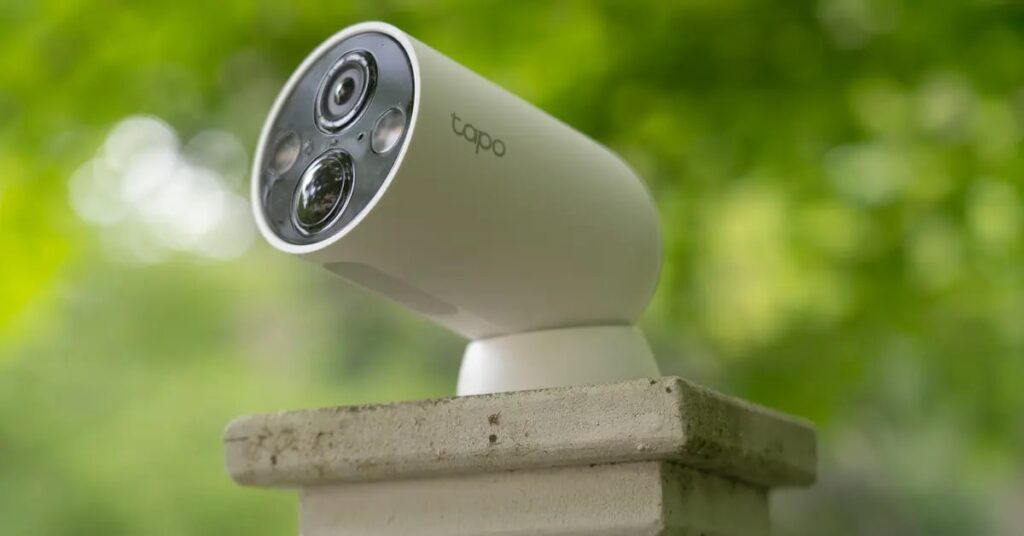
When looking for the best outdoor security cameras without WiFi, prioritize models that offer local storage (such as SD‑card or NVR) or cellular/4G connectivity so they don’t rely on your home network.
They should be weather‑rated for outdoor use and support continuous or motion‑activated recording even when the internet is down.
Brands like Reolink and eufy are commonly recommended for such setups.
A security camera that connects to a phone without WiFi:
Yes — you can use a security camera that connects to your phone without WiFi by opting for a 4G/LTE‑enabled model. These cameras use a SIM card and mobile data to send live feeds and alerts directly to your smartphone, making them ideal for locations without reliable WiFi.
Frequently Asked Questions:
1. Can you have a security camera without Wi-Fi?
Yes, you can use security cameras without Wi-Fi. These cameras usually record directly to an SD card or local storage, making them reliable even without internet connectivity.
2. Is there a security system that does not require the internet?
Yes, there are standalone security systems that operate without the internet. They store footage locally and function independently, ensuring your security isn’t affected by network outages.
3. Does Ring camera work without Wi-Fi?
No, Ring cameras require Wi-Fi to function fully, including live streaming and notifications. Without Wi-Fi, they cannot send alerts or allow remote viewing.
4. Is there a security camera that doesn’t connect to the internet?
Yes, many cameras are designed for offline use. They record directly to SD cards or DVR/NVR systems, keeping your footage private and secure without internet access.
5. What are the benefits of no-Wi-Fi cameras?
No-Wi-Fi cameras are more secure from hacking, do not rely on internet connectivity, and protect privacy. They are ideal for areas with poor Wi-Fi or for users who prefer offline monitoring.
6. What is the best home security system that does not require a subscription?
Standalone DVR/NVR systems with local storage are the best choice. They avoid monthly fees and provide reliable, continuous recording without relying on cloud services.
7. Is there a doorbell camera that works without internet?
Yes, some doorbell cameras record directly to SD cards or local storage. However, features like live viewing or remote notifications won’t work without internet.
8. How long does a Ring camera still record without Wi-Fi?
Ring cameras cannot record without Wi-Fi. They need an internet connection for motion detection alerts, live streaming, and storing videos on the cloud.
9. How much do Rings cost monthly?
Ring offers optional subscription plans starting around $3–$10 per month, which provide cloud storage and additional features. Without a subscription, basic live view is still available, but video storage is limited.
10. What is the difference between a security camera and a surveillance camera?
Security cameras are usually used for home or business protection and can be either online or offline. Surveillance cameras are typically for monitoring public or large areas and often operate continuously with professional setups.
Conclusion:
Security cameras without WiFi offer a reliable and private solution for monitoring homes, businesses, and remote properties. They store footage locally, reducing the risk of hacking and eliminating dependence on internet connectivity. With options like wired, battery-powered, and SD card cameras, users can choose setups that suit their needs and budget. Offline cameras are ideal for privacy-conscious individuals and locations with poor or no internet. While they may limit remote viewing, their affordability, security, and ease of use make them a smart choice. Overall, they provide peace of mind without the complexities of network-based systems.
About the Author





