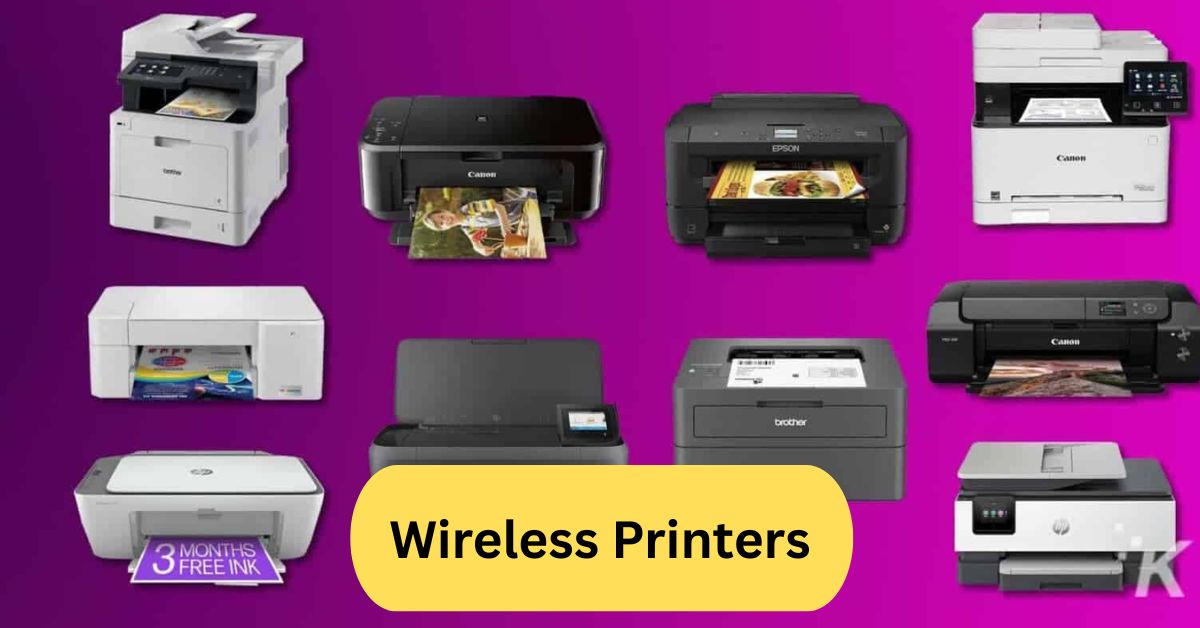
When I first used a wireless printer, I loved how easy it was to print from my phone without plugging in any cables. It saved me time, and I could print documents from anywhere in the house — super convenient and hassle-free.
A wireless printer connects to your devices through Wi-Fi or Bluetooth, allowing you to print without using cables. It offers convenience, flexibility, and can be shared among multiple devices on the same network — perfect for home or office use.
In this article we discuss about “Printer Wireless Printers”
Table of Contents
Introduction:
Wireless printers have transformed how we handle everyday printing tasks. Whether it’s printing from your smartphone, laptop, or tablet, these printers let you do it all—without the clutter of cables. Imagine sending a document to print from your couch or even another room—sounds convenient, right? That’s exactly what wireless printers offer: simplicity, speed, and flexibility.
How Wireless Printers Work:
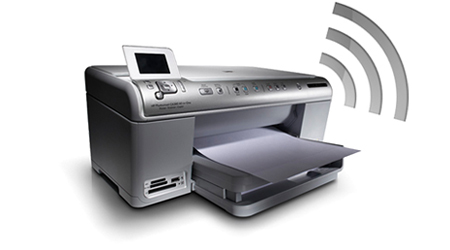
Wireless printers connect to your home or office network through Wi-Fi or Bluetooth, eliminating the need for physical connections. Once connected, any authorized device—such as a computer, smartphone, or tablet—can send print jobs directly.
Some models even support cloud printing, letting you print from Google Drive, Dropbox, or email without needing to be on the same network. This is perfect for remote work or on-the-go professionals.
Benefits of Using Wireless Printers:
1. No More Tangled Wires:
Gone are the days of messy cables around your desk. Wireless printers keep your workspace neat and organized.
2. Print from Anywhere:
You can print documents, photos, and reports even from a different room—or from your phone while on the go.
3. Multi-Device Compatibility:
Most wireless printers support multiple connections simultaneously, allowing everyone in your home or office to use the same device seamlessly.
4. Energy and Space Efficiency:
Compact wireless models save space, and smart sleep modes help reduce power consumption.
Different Types of Wireless Printers:
1. Inkjet Wireless Printers:
Perfect for home use, these printers are affordable and deliver high-quality color prints—ideal for photos or school projects.
2. Laser Wireless Printers:
If speed and bulk printing are your priorities, wireless laser printers are your best bet. They’re cost-efficient for offices and small businesses.
3. All-in-One Wireless Printers:
These models come with print, scan, copy, and sometimes fax functions, offering complete productivity in one compact device.
4. Portable and Compact Wireless Printers:
Need to print on the move? Portable wireless printers are battery-powered and great for travelers, event organizers, or freelancers.
Key Features to Look for in a Wireless Printer:
- Print Quality & Speed: Look for printers with high DPI (dots per inch) for crisp text and vibrant images.
- Connectivity: Check if the printer supports Wi-Fi Direct, Bluetooth, or NFC.
- Device Compatibility: Ensure it works with your OS—Windows, macOS, Android, or iOS.
- Paper Handling: Large trays and duplex printing save time and paper.
- Cost Efficiency: Consider the cost of ink or toner refills to avoid long-term expenses.
Best Wireless Printers for Home Use:
- HP Envy Inspire 7955e – Excellent for families; supports photo and document printing with HP+ smart features.
- Canon PIXMA TR8620a – Great for photos and home offices; comes with scanning and duplex printing.
- Epson EcoTank ET-2850 – Eco-friendly with refillable ink tanks and low cost per page.
- Brother HL-L2395DW – Reliable monochrome laser printer, ideal for text-heavy documents.
Wireless Printers for Office and Business:
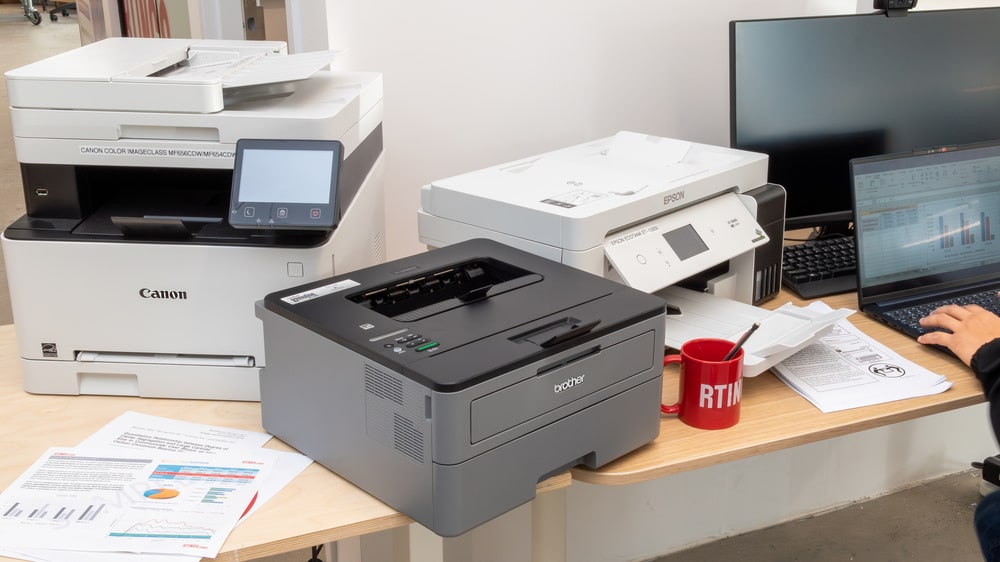
Businesses rely on high-volume, reliable printers that can handle multiple users and maintain print quality.
Recommended models include:
- HP LaserJet Pro MFP M479fdw – Secure, fast, and network-ready.
- Brother MFC-L8900CDW – Ideal for offices that print thousands of pages monthly.
- Canon imageCLASS MF743Cdw – Perfect for color documents and professional presentations.
Wireless Printers with Scanner and Copier:
All-in-one printers save both time and money. They allow you to scan, copy, and print without switching between machines.
Popular models:
- Epson WorkForce WF-4830 – Fast, duplex scanning and printing.
- HP OfficeJet Pro 9015e – Smart integration with mobile apps and cloud storage.
Setting Up a Wireless Printer:
Setting up a wireless printer is easier than ever:
- Turn on the printer and connect it to Wi-Fi.
- Install the manufacturer’s app on your device.
- Add the printer from your Wi-Fi settings or app interface.
- Run a test print to confirm setup.
If issues arise, restarting the router or re-entering Wi-Fi credentials often fixes connectivity problems.
Printing from Smartphones and Tablets:
Wireless printers support mobile printing apps like:
- Apple AirPrint (for iOS users)
- Mopria Print Service (for Android)
- Epson iPrint and HP Smart App
You can print photos, PDFs, and even emails directly—no computer needed!
Security in Wireless Printing:
Since wireless printers connect to networks, security is crucial.
- Always set a password for access.
- Use encrypted Wi-Fi (WPA3) connections.
- Turn off remote printing when not needed.
Modern printers also feature secure release printing, ensuring that sensitive documents don’t print until you’re at the device.
Common Problems and Their Solutions:
- Printer not detected: Reconnect Wi-Fi or reinstall the printer driver.
- Slow printing: Check your Wi-Fi strength or reduce image resolution.
- Paper jams: Follow the manufacturer’s guide for safe removal.
- Ink smudges: Clean the printhead or replace cartridges if old.
Environmental Impact of Wireless Printers:
Eco-friendly models now come with automatic duplex printing, reducing paper waste. Brands like Epson EcoTank and HP Smart Tank promote sustainable printing with refillable ink systems and recyclable cartridges.
Future of Wireless Printing Technology:
Wireless printing is evolving fast. Expect:
- AI-integrated print assistants for smarter management.
- Voice-activated printing with Alexa or Google Assistant.
- Cloud-only printing systems with zero local setup.
- Greater emphasis on eco-friendly, ink-free printing innovations.
Wireless Printer with scanner and Copier:
A wireless printer with a built-in scanner and copier is an all-in-one device that allows you to print, scan, and copy documents without needing cables. It connects easily through Wi-Fi or Bluetooth, making it perfect for both home and office use. These printers save space and boost convenience by combining multiple functions in one unit. Brands like HP, Canon, and Epson offer reliable options with high-quality printing and scanning performance.
Best wireless printers:
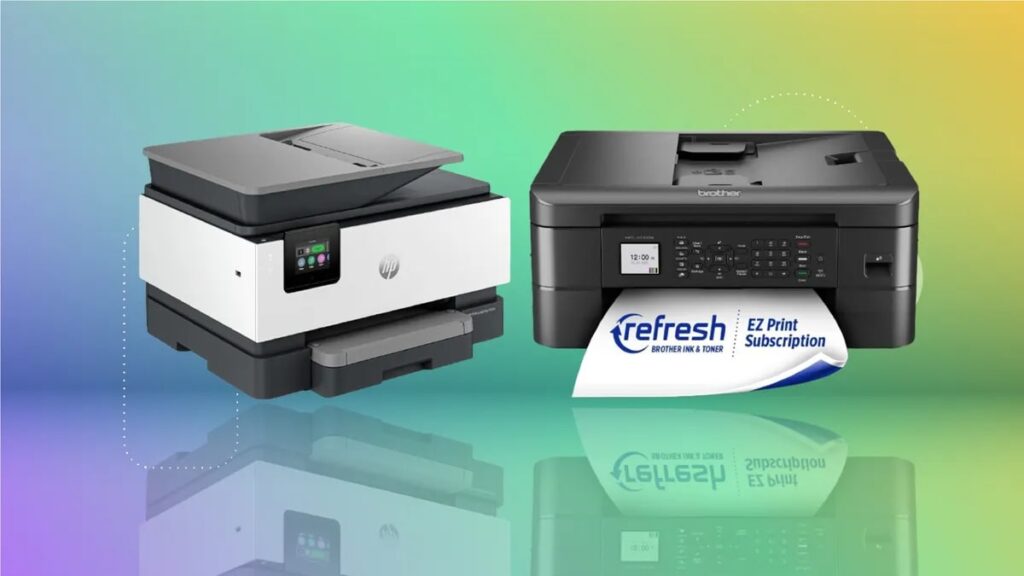
Wireless printers combine robust connectivity (WiFi, mobile apps, cloud printing) with low running costs—especially when ink-tank or high-yield cartridge systems are used.
Top picks for home use include models from Canon, Epson and HP that deliver easy setup, decent print quality and reliable wireless performance.
For example, printers with refillable ink tanks like the Epson EcoTank ET-2850 offer very low cost per page, making them especially good for families or frequent printing.
When choosing one, focus on features like mobile app support, automatic duplexing, WiFi direct or dual-band WiFi, and the long-term cost of ink or toner.
Wireless Printer All-in-One:
A Wireless All-in-One printer is a multifunction device that supports printing, scanning, and copying—often also faxing—with wireless connectivity (WiFi or WiFi Direct) so you can print from smartphones, tablets, or computers without cables.
It simplifies setup and placement (you don’t need to sit it right next to your computer) and is ideal for home offices or shared households.
When choosing one, check for mobile-app support, print quality, ink or toner cost (especially if it uses a tank system), and whether features like automatic duplex (two-sided printing) or an automatic document feeder are included.
Frequently Asked Questions:
1. Which is the best wireless printer for home use?
The top choice according to recent tests is the Epson EcoTank ET-4850 — a refill-ink, all-in-one wireless model that balances performance and running cost.
2. What is the difference between a wireless printer and a WiFi printer?
“Wireless printer” is a broad term meaning any printer that can print without a physical cable. A “WiFi printer” specifically connects via your home WiFi network (or wireless router).
3. Do wireless printers need to be plugged into a router?
If the printer is WiFi-type, then yes, it must join your network (via a router or access point). Some wireless printers also support direct peer-to-printer links (e.g., WiFi Direct or Bluetooth), which bypass the router.
4. What is the best home printer for home use?
For general home use, the Epson EcoTank ET-4850 is highly recommended thanks to its all-in-one capability, wireless connectivity, and very low running cost.
5. Which home printer has the fewest problems?
Printers with simpler mechanisms, fewer moving parts, and durable components tend to have fewer issues. In reviews, monochrome laser wireless models like the Brother HL-L2460DW are noted for reliability and fewer maintenance issues.
6. What are the downsides of wireless printers?
Wireless may be less reliable or slower compared to a wired connection, especially if WiFi signal is weak.
Security risks: wireless devices are more exposed to network issues.
If you print infrequently, inkjets (which many wireless models are) may suffer from clogged nozzles.
7. Is HP or Epson a better printer?
It depends on your needs: Epson tends to excel in colour reproduction and ink-tank systems (lower running cost), while HP offers a broad model range, strong business features, and good text/document handling.
8. How long do wireless printers typically last?
Home inkjet wireless printers generally last around 3-5 years, whereas laser or business-quality models can last 5-7 years or more with good maintenance.
9. What is the best WiFi printer with the cheapest ink cartridges?
Look for a “supertank” or refill-ink tank printer (rather than traditional cartridges). For example, Epson’s EcoTank series or HP’s Smart Tank models are designed for low ink cost per page.
10. How often should you replace your printer?
If your printer is still printing reliably and the running cost is reasonable, you don’t need to replace it until trouble appears (e.g., frequent jams, very slow prints, support discontinued). But many users consider replacing after 3-5 years (inkjet) or 5-7 years (laser) as parts wear out or new features become desirable.
Conclusion:
Wireless printers have completely changed how we print—making the process faster, more flexible, and cable-free. Whether you need a compact model for home use or a high-performance printer for your office, there’s a wireless option to suit every need. With features like cloud printing, mobile app integration, and all-in-one functionality, they simplify everyday tasks and boost productivity. As technology advances, expect even smarter, eco-friendly, and more secure wireless printing solutions in the future. Investing in a quality wireless printer today ensures convenience, efficiency, and long-term value.
About the Author